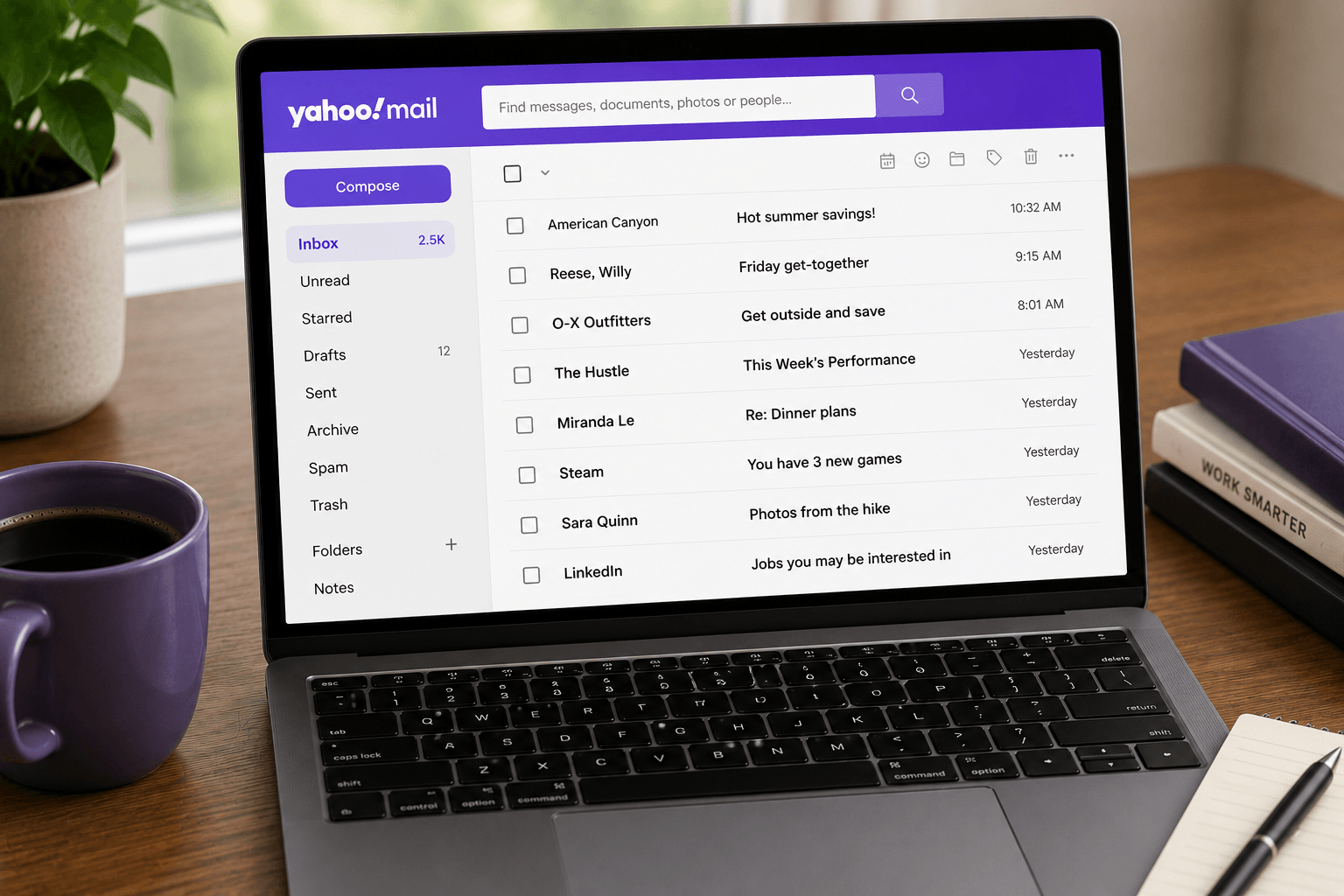
 When Yahoo Mail stops receiving messages, it feels like your inbox went silent for no reason. In almost every case the cause is mundane: a full mailbox, an overactive filter, a blocked sender, or a mail app that needs re-authenticating. This guide walks the fixes in the order a technician would — fastest and most common first.
First, find out where it's broken
Before changing settings, narrow the problem down:
1. Open Yahoo Mail in a web browser at mail.yahoo.com. If mail arrives on the web but not in your phone or desktop app, the problem is the app, not the account (jump to the third-party app section).
2. Send yourself a test email from another account. If it never lands — and isn't in Spam — the issue is on the receiving side.
3. Check whether it's one sender or all mail. One sender missing points to spam, filters, or a block. All mail stopping points to storage, forwarding, or account status.
Cause 1: your mailbox is full
This is the single most common reason in 2026. Yahoo cut free storage from 1 TB to 20 GB (15 GB in the UK and EU), and accounts that quietly piled up years of attachments are now hitting the ceiling. When you go over quota, Yahoo stops delivering new mail — incoming messages bounce back to the sender and are not held for later.
Check Settings → More Settings → Storage. If you're near the limit, empty Trash and Spam first (deleted mail still counts until Trash is emptied), then clear large attachments. Full walkthrough in our Yahoo Mail storage guide.
Cause 2: it landed in Spam, Archive, or Trash
Yahoo may quietly route messages away from the Inbox. Open Spam, Archive, and Trash and search for the missing sender. If you find it in Spam, open it and mark Not Spam so future mail from that address reaches the Inbox. For a lasting fix, add the sender to your contacts.
Cause 3: a filter is redirecting it
An old filter can silently send a sender to a folder you never check — or straight to Trash. On the web, go to Settings → More Settings → Filters and review the rules. Delete or edit any filter that catches the mail you're missing. Filters are the most-overlooked cause when only some senders disappear.
Cause 4: the sender (or their domain) is blocked
Go to Settings → More Settings → Security and privacy and check your blocked addresses and blocked domains. It's easy to block someone by accident, or to have blocked a whole domain months ago. Remove any entry that's stopping mail you actually want.
Cause 5: forwarding or reply-to is misconfigured
If forwarding is switched on, Yahoo may be sending your mail elsewhere — and depending on the setting, not keeping a copy. Check Settings → More Settings → Mailboxes for forwarding, and confirm your reply-to address is correct so replies don't vanish to a dead address.
Cause 6: it's a third-party app (Outlook, Apple Mail, Thunderbird)
If mail shows up on the web but not in your mail app, the app has lost authentication or has the wrong settings. Two fixes solve most cases:
Use a Yahoo app password. If your account has two-step verification on, your normal password won't work in a mail app. Sign in to Yahoo in a browser → Account Security → Generate app password, and paste that into the app instead of your regular password.
Confirm the IMAP settings:
• Incoming (IMAP): imap.mail.yahoo.com, port 993, SSL required
• Outgoing (SMTP): smtp.mail.yahoo.com, port 465 or 587, SSL required
• Authentication: required, using your app password
If it still won't sync, remove the Yahoo account from the app and re-add it to force a clean re-authentication.
Cause 7: it's the sender's side — or a recycled account
If your account checks out, the problem may be upstream. Ask the sender to confirm they used your exact address and didn't get a bounce (delivery-failure) message — a bounce tells you exactly why it didn't arrive.
One Yahoo-specific trap: inactive or recycled accounts. If a mailbox went dormant, Yahoo may block delivery — including password-reset emails from services like Facebook or Instagram — until you sign back in and reactivate it. If you're not getting recovery emails, sign into Yahoo Mail directly first.
Quick checklist
1. Open Yahoo on the web and send yourself a test.
2. Check Storage — empty Trash and Spam if full.
3. Search Spam, Archive, and Trash for the missing mail.
4. Review Filters for stray redirects.
5. Check blocked addresses and domains.
6. Verify forwarding and reply-to.
7. In mail apps: use an app password and the correct IMAP settings, or remove and re-add the account.
8. Ask the sender to check for a bounce.
When it keeps happening: stop fighting the mailbox
If you're clearing storage every few weeks, re-authenticating apps, and babysitting filters just to receive mail, the deeper issue isn't a single setting — it's that Yahoo's free tier now demands constant maintenance. That's when migration is the real fix.
Our Yahoo Mail migration guide walks through moving to Gmail or Outlook without losing history, and the best Yahoo Mail alternatives comparison helps you pick a destination. Moving providers solves delivery — but it doesn't automatically solve clutter. Faraday connects to Gmail and Outlook and automatically organises incoming mail so the signal separates from the noise, and large files send as download links instead of bouncing on attachment limits — an inbox that stays usable without another cleanup weekend. If you're still deciding, compare the options in Yahoo Mail vs Gmail vs Outlook. Hotmail / Outlook.com delivery uses a different checklist: Hotmail not receiving emails.
Why did Yahoo Mail suddenly stop receiving emails?
The most common cause in 2026 is a full mailbox — Yahoo cut free storage to 20 GB, and once you're over quota it stops delivering new mail and bounces it back to senders. Other frequent causes are a filter redirecting messages, a blocked sender, or a mail app that lost authentication.
Why do I get email on the Yahoo website but not in my app?
That points to an app problem, not an account problem. Usually the fix is generating a Yahoo app password (required if two-step verification is on) and confirming IMAP settings: imap.mail.yahoo.com, port 993, SSL. Removing and re-adding the account also forces a clean re-sync.
Does a full Yahoo mailbox stop incoming email?
Yes. Over the storage limit, Yahoo blocks mail in both directions and incoming messages bounce back to the sender without being stored. Empty Trash and Spam and delete large attachments to reclaim space. Full cleanup: Yahoo Mail storage full.
Why am I not getting password-reset emails to my Yahoo address?
If the account is inactive or recycled, Yahoo may block delivery — including recovery emails — until you sign back in and reactivate it. Sign into Yahoo Mail directly first, then request the reset again.
What are the correct Yahoo IMAP and SMTP settings?
Incoming IMAP: imap.mail.yahoo.com, port 993, SSL required. Outgoing SMTP: smtp.mail.yahoo.com, port 465 or 587, SSL required. Authenticate with a Yahoo app password rather than your normal password if two-step verification is enabled.
