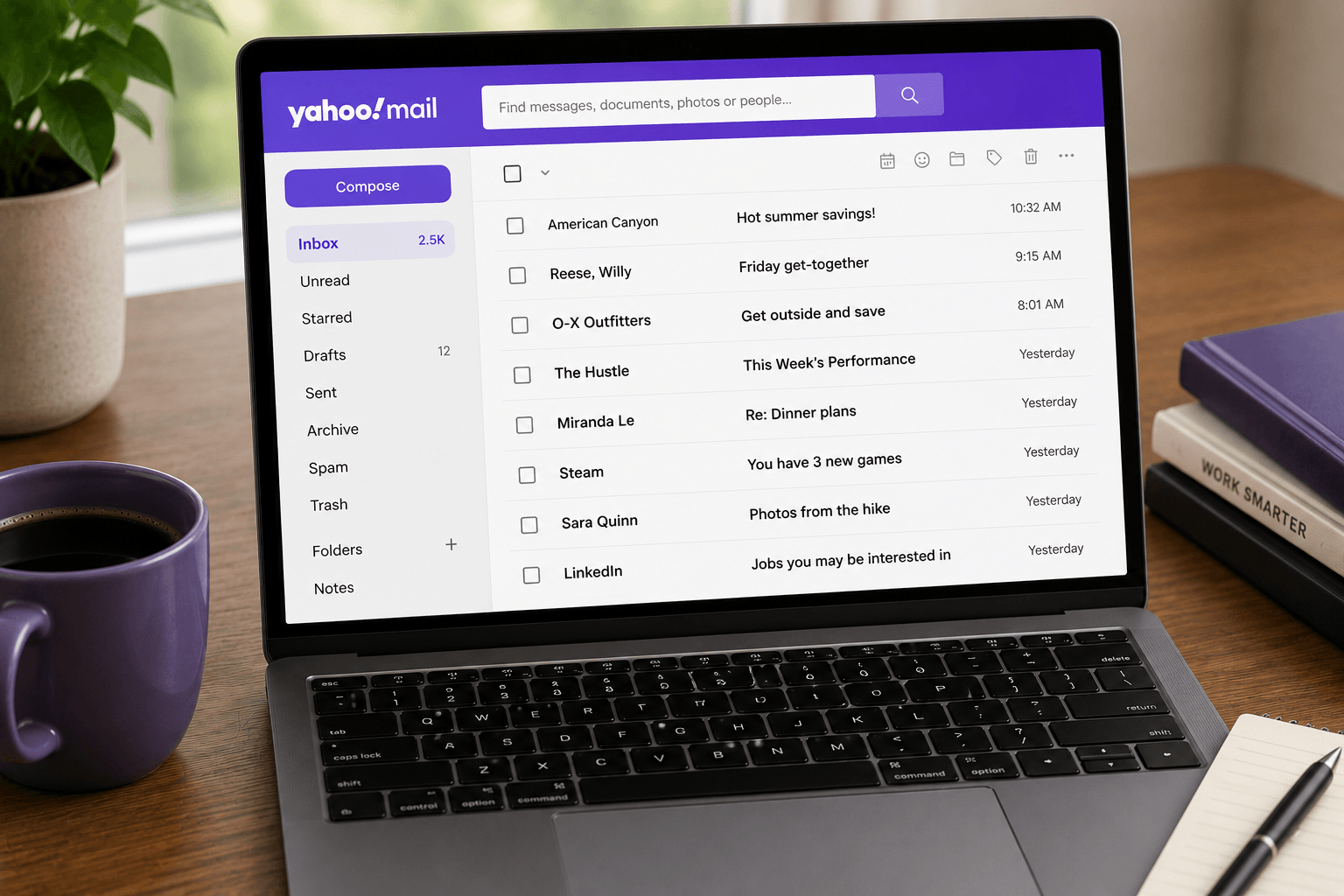
 If Yahoo Mail suddenly stopped sending or receiving messages, you are probably not dealing with a random glitch. In 2025 Yahoo cut free mailbox storage from 1 TB down to 20 GB (and 15 GB in the UK and EU). Accounts that quietly collected years of newsletters, receipts, and attachments are now hitting a wall for the first time.
When you go over the limit, Yahoo blocks new mail in both directions until you free space or pay for more. Emails sent to you while the mailbox is full are not stored and cannot be recovered. This guide covers how to check your usage, free space fast, and decide whether cleanup or migration is the smarter move.
Yahoo Mail storage limits in 2026
Free Yahoo Mail: 20 GB in North America. 15 GB in the UK and EU.
Yahoo Mail Plus: 200 GB, plus an ad-free inbox and priority support.
Paid storage add-ons: 100 GB or 1 TB plans you can stack on top of free or Plus.
That is a 98% cut from the old 1 TB free tier. If you have used Yahoo since the 2000s and rarely deleted anything, hitting the new ceiling is normal — not a sign that your account is broken.
How to check your Yahoo Mail storage
On the web:
1. Open mail.yahoo.com and sign in.
2. Click the Settings gear.
3. Open More Settings → Storage (or look for the storage meter near your profile / account menu, depending on the current Yahoo Mail UI).
4. Note how much you have used versus your plan limit.
On the Yahoo Mail app: open your profile / account menu and look for the storage usage line. Desktop browser readings are usually the most reliable if the app meter looks stuck.
What happens when Yahoo Mail is full
Once you exceed the limit:
• You cannot send new emails.
• You cannot receive new emails.
• Incoming messages bounce back to the sender while you are over quota.
• Those bounced messages are not held for later delivery.
Your existing mail stays in the account as long as the account remains active. The fix is either free up space or upgrade storage — there is no middle option that keeps mail flowing.
Free up space fast: do these first
Most people delete thousands of emails and wonder why the meter barely moves. In Yahoo Mail, deleted messages still count toward storage until Trash is emptied. Archive also still counts. Only permanent deletion frees space.
1. Empty Trash
In the left sidebar, open Trash → choose Empty / Empty Trash → confirm.
This is often the single biggest win. If you have been deleting for weeks without emptying Trash, you may reclaim gigabytes in one click.
2. Empty Spam
Open Spam → Empty. Spam sits on the server and counts against your quota until you clear it.
3. Wait for the meter to update
Yahoo’s storage counter can take a few hours up to about 24 hours to refresh. If you emptied Trash and Spam and the number has not moved yet, wait a day before assuming nothing worked.
Delete the emails that actually eat space
After Trash and Spam, target bulk and attachments — not one-by-one inbox scrolling.
Find large attachments
In Yahoo Mail search, try:
has:attachment — every message with a file.
Then open Photos / Documents views if available, or sort by size where the UI allows it.
Download anything you still need to your computer or cloud drive, then delete the email. A handful of old PDFs, zips, and photo dumps often free more space than deleting a thousand newsletters.
Bulk-delete old clutter
Search for patterns you know are safe to remove, then select all matching results and delete:
• Old newsletters and promotions you never open
• Shipping notifications older than a few months
• Social notifications and app alerts
• Sent mail with large attachments you already saved elsewhere
After every bulk delete session, empty Trash again. Otherwise the space is still reserved.
Clean Drafts and Sent
People forget these folders. Drafts with attached files and Sent messages with large forwards can quietly hold gigabytes. Scan both, delete what you do not need, empty Trash.
Stop the inbox from filling up again
Cleanup without prevention is temporary.
Unsubscribe aggressively. Open recent promotional mail and hit Unsubscribe. If you have not read a sender in a month, you will not miss them.
Turn off low-value app emails. LinkedIn digests, shopping alerts, and shipping updates for packages that already arrived are common storage fillers.
Do not rely on Archive to save space. In Yahoo Mail, archived mail still counts toward your quota. If the goal is free space, delete + empty Trash is the only path that works.
Should you pay for more Yahoo storage?
Paying can make sense if:
• You need the Yahoo address for old accounts, family, or business history
• You have already cleaned the obvious junk and still need the archive
• You mainly want continuity, not a better email product
Yahoo’s paid options (100 GB, 1 TB, or Mail Plus at 200 GB) buy time. They do not fix ads on the free tier, weak modern AI organization, or the feeling that the inbox is still a chronological pile.
If you are paying mostly because the product feels outdated, compare options in our Yahoo Mail Plus vs Gmail vs Outlook guide before renewing.
Same symptom on Microsoft or Apple? Outlook.com storage full, iCloud Mail storage full.
When cleanup is not enough — migrate instead
Freeing space gets mail flowing again. It does not fix the deeper reason many people are searching this topic: Yahoo no longer feels like the best place to live long-term.
Migrate if any of these are true:
• You keep hitting the limit even after cleanup
• You want stronger search, spam filtering, or calendar integration
• You care about privacy and ad-free mail without paying Yahoo forever
• You want an inbox that organizes itself instead of demanding constant maintenance
Use our step-by-step Yahoo Mail migration guide and the best Yahoo Mail alternatives comparison to pick a destination.
After you leave Yahoo: keep the new inbox from becoming another storage problem
Moving to Gmail or Outlook solves the immediate Yahoo quota crisis. It does not automatically solve inbox clutter — you still get newsletters, receipts, and attachments, just under a different brand.
Faraday connects to Gmail and Outlook and automatically classifies incoming mail so the noise is separated from what needs attention. Large files can be sent as download links instead of bouncing against attachment limits. The point is not another cleanup weekend every year — it is an inbox that stays usable without constant manual triage.
Quick checklist
1. Check Settings → Storage and confirm you are over quota.
2. Empty Trash, then empty Spam.
3. Delete large has:attachment messages (download keepers first).
4. Bulk-delete old promotions and notifications.
5. Empty Trash again.
6. Wait up to 24 hours for the meter to update.
7. If you are still over — upgrade storage, or migrate and stop fighting the same ceiling.
Yahoo’s storage cut turned a quiet archive into an urgent problem for millions of accounts. Clear the space so mail works today. Then decide whether Yahoo is still worth keeping as your primary inbox tomorrow.
