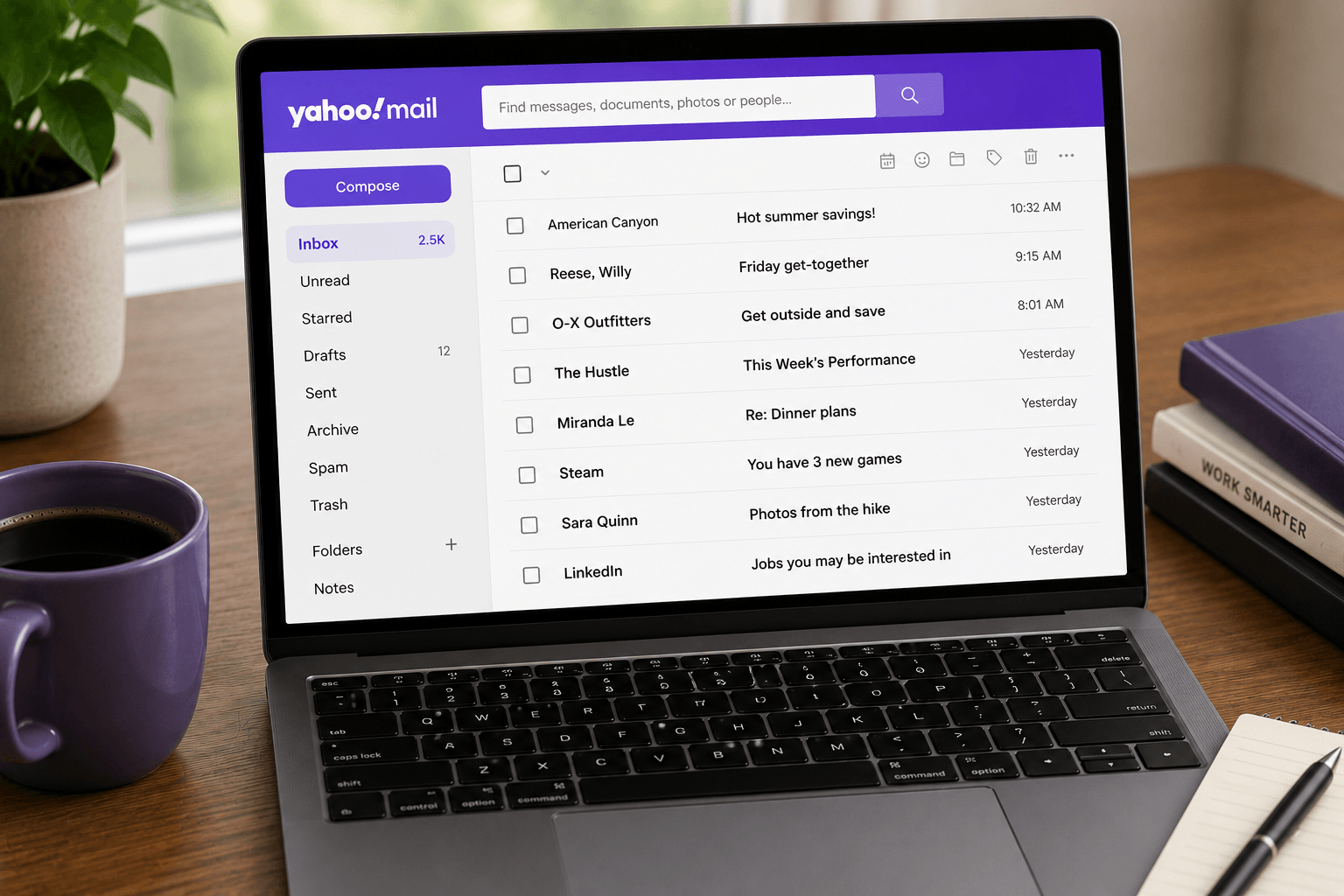
 Yahoo Mail has 225 million active users. Many of them are there by inertia — it was the first email they ever created, and switching felt like too much effort. But in 2026, the reasons to move have accumulated: a significant data breach history, a cluttered interface full of ads, no meaningful AI features, and a business model that reads your emails to target you with advertising.
If you're ready to switch, here's an honest comparison of every major alternative. The right one depends on what you actually care about.
Most people are still on Yahoo Mail by inertia.
Gmail — best for Google users
Price: Free (15GB storage) / Google One from $2.99/month for more.
Platform: Web, iOS, Android, Mac (via web), Windows (via web).
Gmail is the most obvious first stop after Yahoo. It's the most widely used email service in the world, and for good reason: excellent spam filtering, powerful search, seamless integration with Google Calendar, Drive, Meet, and Docs. If you already use Google's tools, Gmail is the cleanest migration path.
Setup takes minutes. You can import existing Yahoo emails and contacts via Gmail's import tool (Settings → Accounts → Import mail and contacts). You can also set up Yahoo forwarding so new Yahoo emails land in Gmail automatically during the transition.
The limitation: Gmail's business model is advertising. Google scans your inbox metadata to build advertising profiles. The tabs (Primary, Social, Promotions) haven't changed since 2013. Organization beyond tabs is still manual. And like Yahoo, there are no AI-powered inbox features — just a slightly smarter filing cabinet.
Best for: Anyone already in the Google ecosystem who wants a clean, reliable email service without paying anything.
Outlook.com — best for Microsoft users
Price: Free (15GB storage) / Microsoft 365 from $6.99/month.
Platform: Web, iOS, Android, Mac and Windows desktop apps.
Microsoft's consumer email (Outlook.com) is a significant upgrade over Yahoo Mail on interface quality alone. It's clean, fast, and well-designed. Focused Inbox separates your important emails from noise better than Gmail's tabs. Calendar integration is excellent. OneDrive integration means attachments become shareable links automatically.
If you use Microsoft 365 at work, Outlook.com gives you a consistent interface between your personal and work email — which reduces cognitive friction significantly.
The limitation: Focused Inbox is binary — important or not, with no gradations. The free tier of Outlook.com shows ads. And Microsoft's ecosystem lock-in (OneDrive, Teams, SharePoint) can feel heavy if you're not already in it.
Best for: Microsoft 365 users, Windows users, or anyone who wants a professional-feeling free email without Google's ad targeting.
Proton Mail — best for privacy
Price: Free (1GB storage) / Proton Mail Plus from $3.99/month.
Platform: Web, iOS, Android.
If Yahoo Mail's repeated data breaches or ad-targeting model is what's pushing you out, Proton Mail is the clearest answer. It's end-to-end encrypted — which means Proton itself cannot read your emails, and neither can an attacker who breaches their servers. Based in Switzerland, it operates under Swiss privacy law (stricter than US or EU standards). Zero tracking, zero ads, no email scanning.
Proton Mail also offers anonymous sign-up (no phone number required), a .pm.me alias, custom domains on paid plans, and integration with Proton Drive, Proton VPN, and Proton Calendar.
The limitation: The free tier gives you only 1GB of storage. End-to-end encryption means some features (like full-text search on mobile) work differently. And Proton Mail doesn't have a native desktop app — it's web-only unless you use Proton Mail Bridge (paid, for use with desktop clients like Outlook or Thunderbird).
Best for: Anyone whose primary concern with Yahoo is privacy and security. Journalists, activists, and anyone who wants their email to be genuinely unreadable to third parties.
iCloud Mail — best for Apple ecosystem users
Price: Free (5GB, shared with iCloud) / iCloud+ from $0.99/month for 50GB.
Platform: Web, iOS, macOS (native Apple Mail app).
If you're on an iPhone or Mac, iCloud Mail is worth considering as your personal email. The @icloud.com address connects seamlessly to Apple Mail on Mac, iPhone, and iPad. No ads in Apple Mail. Good spam filtering. iCloud Hide My Email lets you create random aliases to protect your real address when signing up for things — genuinely useful for reducing spam.
The limitation: iCloud Mail is functional but not powerful. No smart categorization, no AI features, no advanced organization tools. It's best as a personal address rather than a primary high-volume inbox. The web interface (iCloud.com) is basic compared to Gmail and Outlook.
Best for: Apple users who want a clean personal email that works natively with their devices and don't need advanced features. Full iCloud vs Gmail vs Outlook, Android IMAP, and Faraday after you migrate: iCloud Mail review 2026.
Fastmail — best paid alternative
Price: From $3/month (Basic) to $9/month (Professional).
Platform: Web, iOS, Android, desktop clients via IMAP.
Fastmail is the best paid email service most people have never tried. It's fast, clean, and ad-free. Custom domain support on all plans. Excellent spam filtering. IMAP access for desktop clients. Masked email aliases (similar to Apple's Hide My Email but available across all platforms via their Bitwarden integration). No tracking, no ad targeting, no data selling.
For users who want the cleanest possible email experience without Google or Microsoft's ecosystem pressures, Fastmail is the answer. It's particularly popular with developers and privacy-conscious professionals.
The limitation: It costs money. The feature set, while excellent, doesn't include the AI organization or smart categorization that modern clients are starting to offer.
Best for: Anyone who values a premium, ad-free email experience and wants independence from Google and Microsoft.
Leaving Yahoo is easy. Leaving the pile is the actual move.
Faraday — best for AI-powered inbox organization
Price: From $14/month.
Platform: Web, Mac desktop. Works with Gmail and Outlook accounts.
Faraday is different from every option above. It's not an email provider — it's an AI-native email client that connects to your Gmail or Outlook account and completely transforms how your inbox works. Rather than showing you a chronological pile and waiting for you to sort it, Faraday automatically categorizes, prioritizes, and surfaces what matters without you lifting a finger.
If you're leaving Yahoo Mail because managing your inbox takes too much effort, Faraday directly solves that problem. It handles the organization so you only see what requires your attention. No prompting, no manual rules, no maintenance.
The catch: Faraday requires connecting a Gmail or Outlook account — it doesn't host email itself. So you'd switch your Yahoo Mail to Gmail or Outlook first, then use Faraday as the client. For users making the switch anyway, this is an opportunity to upgrade the experience entirely.
Best for: Yahoo Mail users who want to solve the root problem — inbox overload — rather than just switch to a cleaner version of the same thing.
Do not just switch to a cleaner version of the same pile.
How to actually migrate from Yahoo Mail
Regardless of where you move, the migration process is the same:
1. Create your new account.
2. Import existing emails: Gmail has a built-in import tool (Settings → Accounts → Import mail and contacts). Outlook can import via POP3. Proton Mail has an import assistant on paid plans.
3. Forward new emails: In Yahoo Mail, go to Settings → Mailboxes → [your address] → Forwarding. Set your new address as the forwarding destination for 3–6 months while you notify contacts.
4. Update critical accounts: Banks, government services, important subscriptions — go through your Yahoo sent folder and update each one to your new address.
5. Export contacts: Yahoo allows CSV contact export. All major services accept CSV import.
The actual migration takes an hour. The transition period (reminding people and updating accounts) takes a few weeks. The most important step is setting up forwarding immediately so nothing falls through the gap.
Many people land here because Yahoo cut free storage from 1 TB to 20 GB and their mailbox stopped working. If that is you, start with how to free up Yahoo Mail storage, then pick an alternative below.
If you still have questions, we might have answered all of them below for you.
What is the best Yahoo Mail alternative in 2026?
For most people, Gmail. It is free, search actually works, and Android plus Google Drive come with it. Outlook.com is the better landing spot if you already live in Microsoft 365. Faraday sits on top of Gmail or Outlook if you want the inbox organized without another round of folders and filters.
Why are people leaving Yahoo Mail in 2026?
Yahoo cut free storage from 1 TB to 20 GB. Mailboxes that had been quietly filling up for years suddenly stopped receiving mail. Ads, a weaker search, and another ownership change did not help. Storage is the trigger. The rest is why people do not come back.
Is Gmail better than Yahoo Mail?
Yes, as a primary inbox. Better search, better spam filtering, better mobile, and Gemini if you want AI. Stay on Yahoo only if you already depend on the address and the archive still fits. Even then, many people keep the Yahoo address and move the daily inbox to Gmail.
How do I switch from Yahoo Mail to Gmail?
Create Gmail, import mail and contacts, then keep new Yahoo mail flowing with POP fetch so nothing vanishes while you update banks and recoveries. Keep Yahoo for at least 90 days. We wrote the full walkthrough in how to migrate from Yahoo Mail.
Does Faraday work with Yahoo Mail?
Not directly. Faraday connects to Gmail and Outlook. Move the inbox there, then Faraday classifies and organizes it so you are not just swapping one pile for another.
What happened to Yahoo Mail storage?
Free storage dropped from 1 TB to 20 GB (15 GB in the UK and EU). Over quota, Yahoo stops delivering new mail and bounces it back to senders. If that is why you are here, empty Trash and Spam first, then pick an alternative before it happens again. Same advice if your Yahoo Mail is really Sky or Comcast: Sky Email alternatives, Xfinity / Comcast to Yahoo.
