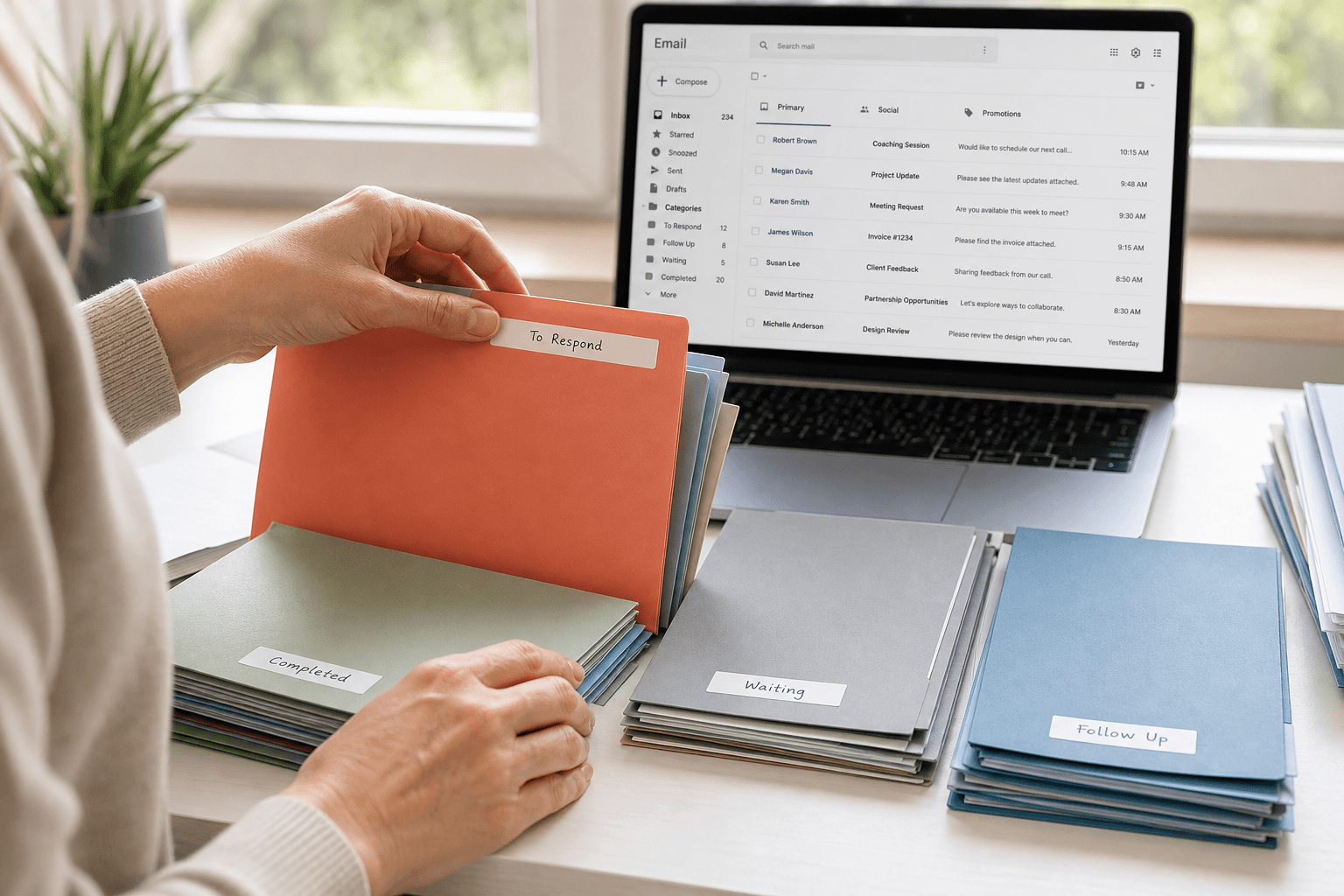
 Email management software is a layer on the mailbox you already have. It is not a new address. If you searched email management software, email management tools, best AI email assistant, or AI email organizer, you are looking for something that sorts, drafts, or cleans Gmail or Outlook — not a second provider next to Gmail.
The mailbox stays. The client is what changes the morning.
What email management software actually is
Gmail and Outlook.com are providers. They store the mail and deliver it. Email management software sits on top: a client, a filter, or an assistant that decides what you see first.
That split matters because the big “best email service” lists are a different search. Those pages are about where the address lives. This one is about the app you open. Faraday is in the second group. It connects to Gmail and Outlook. Your address does not move.
Email management tools, side by side
The tools people lump together do four different jobs:
Cleanup tools unsubscribe, bulk-delete, and shrink a mailbox. Useful once. They do not change tomorrow morning.
Filter add-ons (the SaneBox pattern) learn what to tuck away inside the provider you already use. You stay in Gmail or Outlook.
Prompted assistants draft or summarize when you ask. Shortwave on Gmail is this shape. Gemini and Copilot are this shape inside the provider. The inbox underneath is still a list until you type.
An organizer client classifies mail as it arrives and shows a different inbox. That is the job Faraday is built for, on Gmail and Outlook, on the web and on Mac. The iPhone app is on TestFlight. Android is still in development — skip any Play Store app that borrows the name.
A ranked pass at the AI clients themselves is in best AI email clients in 2026. This page is the job, not the horse race.
Best AI email assistant
An AI email assistant writes or answers when you ask. That is a real product. It is also a small part of the day. The expensive part of email is deciding what the message is before anyone drafts a reply: a person, a bill, a newsletter, a code, a thread that already died.
The best AI email assistant for a high-volume inbox is the one that does that sort without a prompt, and can still draft when you want a draft. Faraday classifies on arrival. Auto-write is there when a reply is the next step — see how Faraday drafts replies. Superhuman and Spark add speed and some AI on a more familiar client. Gmail’s Gemini and Outlook’s Copilot assist inside the provider, on the provider’s layout.
If the search was specifically “best AI email assistant,” start with whether you want a chatbot on the old inbox or a different inbox. Those are not the same trial.
An assistant waits to be asked. An organizer has already sorted the pile.
AI email organizer
An AI email organizer is the sort itself. Folders and labels are the old version: you write the rules, then you maintain them. An organizer reads the message and files it by what it is.
Faraday’s version of that is classification, not a prompt. Newsletters, receipts, people, and noise do not share one chronological row. Search still works, including Gmail-style operators. The point of the organizer is that you open the app and the decision is smaller.
On a Mac, the native app is about 10 MB. On iPhone, the same idea is the TestFlight build, built for a phone rather than a shrunk desktop. Pricing for a typical US subscriber is $14 a month, or $12 a month billed annually, after a one-week trial. Confirm the live number on pricing before you buy.
AI email automation
AI email automation splits in two, and the search mixes them.
Inbox automation is what happens to mail you received: classify it, surface it, draft a reply, unsubscribe from a sender you will not read. That belongs in the client.
Workflow automation is Zapier, Make, and the like: “when this email arrives, create a row.” That belongs in an automation tool. Faraday is the first kind. It is not a replacement for a workflow builder, and a workflow builder is not an inbox.
If you want both, connect the automation tool to Gmail or Outlook as you do today, and use Faraday as the place you read.
What to install
You want the provider and nothing else. Stay in Gmail or Outlook. Add Gemini or Copilot if the assistant inside that tab is enough.
You want a faster familiar client. Spark or Superhuman. Read Faraday vs Spark and Faraday vs Superhuman before you pay the expensive one.
You want the inbox organized on Gmail and Outlook. Faraday. Mac ranking: best email app for Mac. iPhone ranking: best email app for iPhone. The broader client list is best email clients in 2026.
If you still have questions, we might have answered them below.
What is email management software?
Software that helps you handle an existing mailbox: sorting, cleanup, search, or drafting. It is a client or an add-on. It is not a new email address.
What are the best email management tools?
Match the tool to the job. Cleanup tools empty a mailbox. Filter add-ons hide mail inside Gmail or Outlook. Prompted assistants draft on request. An organizer client such as Faraday reorders the inbox itself. No single list wins every job.
What is the best AI email assistant?
For a pile you have to think about every morning, the useful assistant is one that classifies without a prompt and drafts when you need a reply. Faraday is built that way for Gmail and Outlook. Gemini, Copilot, and Shortwave are stronger fits if you want to stay inside the old layout and ask each time.
What is an AI email organizer?
An organizer that files or ranks mail by what the message is, instead of leaving a chronological list and a stack of rules you maintain. Faraday does that on arrival.
Is email management software the same as Gmail?
No. Gmail is the provider. Email management software is what you use to work through Gmail or Outlook. You can use Gmail’s own tabs and never install anything. A client is for when those tabs are not enough. If the search was a Gmail alternative, that is a separate page: a new app on the same address, or a new address entirely.
Does Faraday replace my email address?
No. Faraday signs into Gmail and Outlook. The address stays. iCloud, Yahoo, and AOL are not direct sign-ins — those accounts move to Gmail or Outlook first.
Does Faraday work on Mac and iPhone?
Yes on the web and as a native Mac app of about 10 MB. Faraday for iPhone is on TestFlight, not the App Store yet. Android is in development.
