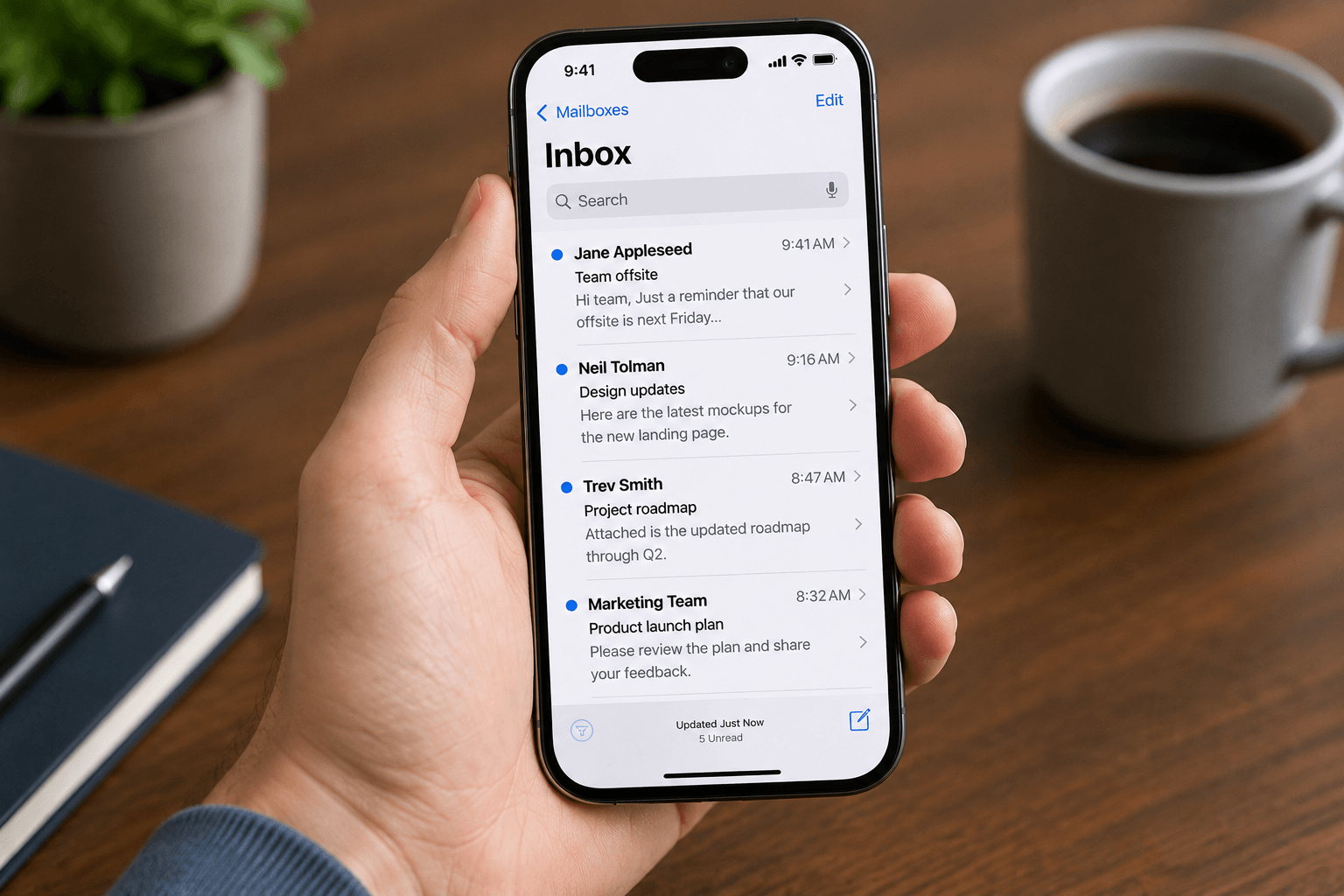
 The stock Mail app on iPhone is fine. It's also the email equivalent of eating plain rice — functional, inoffensive, and considerably less interesting than the alternatives. In 2026 there are genuinely excellent third-party email clients for iOS that will change how you handle mobile email.
Here's what to actually consider when picking one — and a current breakdown of the top options.
What to look for in an iPhone email app
Notification quality: The best apps let you configure notifications by sender type, not just on/off. Getting pinged for every newsletter is the fastest way to start ignoring email notifications entirely.
Swipe gestures: iPhone email is largely gesture-driven. Well-designed swipe actions (archive, snooze, delete, move) can cut triage time dramatically. Apps that map to the same motions you use in other areas of iOS feel native; those with inverted or unpredictable gestures cause constant friction.
Multi-account handling: Most professionals manage at least two addresses — work and personal, or Gmail plus Outlook. How cleanly the app surfaces these without dumping them into one undifferentiated stream matters a lot.
Privacy and data access: Email is sensitive. Read your chosen app's privacy policy — specifically how message content is accessed, whether AI features process your email server-side, and whether data is retained.
Apple Mail
Apple Mail is free, ships with every iPhone, and integrates tightly with iOS. It added some smart features in recent iOS versions including categorization and priority sender detection. If you want zero setup and don't care about power features, it works.
Its weaknesses: slower sync than the competition, limited customization, and the smart features are noticeably behind dedicated AI-native apps. Swipe options are configurable but minimal. For casual use — totally reasonable. For professionals managing high-volume inboxes, it runs out of capability quickly.
Gmail app
Google's own iOS app is clean, fast, and updated continuously. Smart features (Smart Reply, nudges) are useful without being intrusive. Category tabs (Primary / Social / Promotions) mirror the web experience, which most Gmail users expect. For Gmail-only users, this is the default recommendation.
Limitations: it only connects Gmail accounts natively, and Google Workspace accounts. If you have an Outlook or Exchange account alongside Gmail, the Gmail app won't surface it — you'd need a second app.
Outlook for iOS
Microsoft's mobile Outlook is genuinely excellent — particularly for users who need one app for Gmail and Outlook accounts together. The Focused Inbox intelligently routes mail, and calendar integration is tighter than any other iOS email client. For M365 users or anyone with a corporate Exchange account, this is probably the right default.
Data practices: Outlook for iOS routes mail through Microsoft servers for processing — worth understanding before connecting a sensitive work account without IT approval.
Spark
Spark (by Readdle) is popular for its clean design and smart inbox features. It clusters notifications to avoid constant pings, has solid team collaboration features if you share email with colleagues, and offers AI-assisted drafting. Free tier is generous.
Important note: Spark stores your email credentials and syncs message data through their servers to enable features. This is a genuine privacy consideration — particularly for work accounts. Read their privacy terms before connecting sensitive mailboxes.
Airmail
Airmail is the power-user option: deep customization, extensive swipe configuration, app integrations (Notion, Things, OmniFocus), and action sequences. If you want to turn email into a task system, Airmail gives you the most configurability. The trade-off is setup time and a steeper learning curve than more consumer-focused apps.
Faraday
Faraday is built around a fundamentally different premise: rather than helping you move faster through your existing inbox, it reorganizes the inbox for you automatically — no rules, no labels, no prompts. Mail is classified, sorted by what matters in each message, and surfaced so the signal is obvious even during a quick mobile glance.
Faraday connects Gmail and Outlook with full operator search support and thread intelligence that goes beyond conversation view. At $14/month for typical US subscribers, it's priced significantly below the premium end of the market while delivering meaningfully deeper inbox intelligence. Worth a trial if your goal is spending less cognitive energy on mobile email triage.
Which one to pick
Gmail only, simple needs: Gmail app.
Outlook or mixed Gmail + Outlook: Outlook for iOS.
Power user with deep customization needs: Airmail.
Clean design with collaboration features: Spark (with privacy caveat).
Want your inbox organized without manual effort: Faraday.
Zero setup, already on iPhone: Apple Mail.
Comparing across both platforms? See our best email apps for iPhone and Android 2026 guide. The best email app for iPhone in 2026 is the one that makes you check it less anxiously, not more. An app that organizes intelligently and surfaces what matters means fewer notification interruptions and faster triage when you do open it — and that's a better outcome than any feature list.
