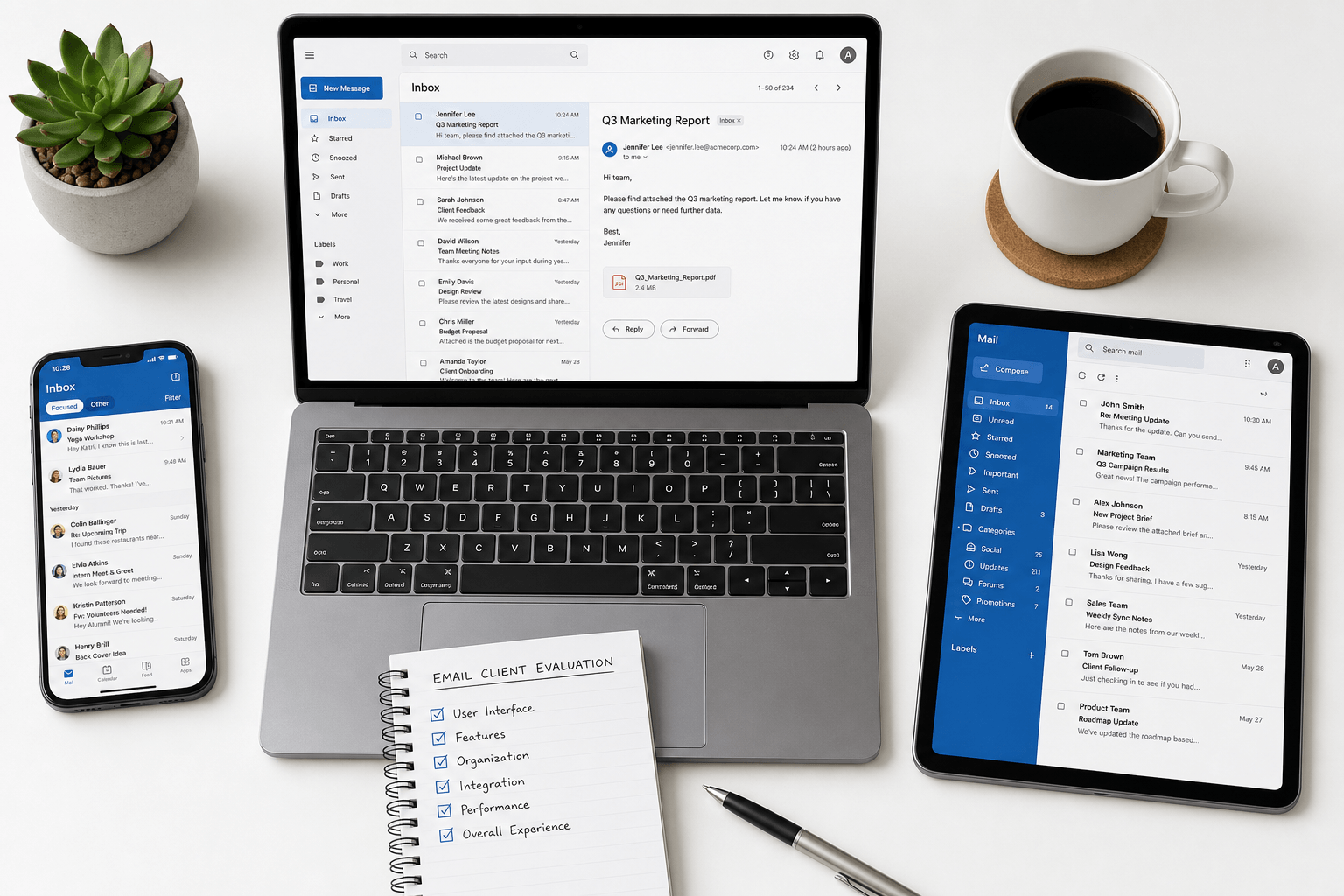
 Email clients haven't changed much in two decades. Most of them, anyway. But 2026 is the year that's finally different — AI has matured enough to genuinely transform email, and a new generation of clients is emerging alongside the legacy giants. This ranking mixes paid clients (Faraday, Superhuman, HEY) with free ones for context. If your budget is $0 only, stop here and open the dedicated list: best free email clients in 2026.
Gmail
Best for: Casual users who want free, reliable email with deep Google integration.
Gmail remains the world's most popular email client, and for good reason. Rock-solid infrastructure, excellent spam filtering, and seamless ties to Google Calendar, Drive, and Meet. The tabbed inbox (Primary, Social, Promotions) provides basic sorting.
The limitation: Gmail's inbox experience hasn't fundamentally changed since 2013. Organization is manual (labels, filters, rules). Search is keyword-only. Every email looks the same regardless of type. And the business model is built on advertising — your data fuels Google's ad engine. For power users who want genuine intelligence or privacy, Gmail increasingly falls short.
Outlook
Best for: Enterprise users tied to the Microsoft 365 ecosystem.
Outlook is the corporate standard. Deep integration with Teams, SharePoint, OneDrive, and the Microsoft calendar. Focused Inbox separates important mail from the rest. Robust rules engine for power users willing to configure it.
The limitation: The interface feels heavy and dated. Configuration is complex. The AI features (Copilot integration) are promising but still largely prompt-driven and surface-level. For personal use or users outside the Microsoft ecosystem, Outlook is overkill — or simply not enjoyable to use.
Apple Mail
Best for: Apple ecosystem users who want simple, native email on Mac and iPhone.
Apple Mail is clean, private, and deeply integrated with macOS and iOS. It just works — no setup, no account creation, no subscriptions. Recent versions added features like scheduled send, undo send, and improved search.
The limitation: Minimalism can be a drawback. Apple Mail offers very little intelligence — no smart categorization, no contextual awareness, no AI-powered organization. It's essentially a display layer for your email provider. If you want your inbox to actually help you, Apple Mail isn't it.
Superhuman
Best for: Speed-obsessed users who want to go through email faster.
Superhuman pioneered the "fast email" category. Keyboard-first navigation, quicker load times, snippets, read statuses, and AI-assisted drafting. It's nice and satisfying to use for those who process high volumes.
The limitation: Speed without intelligence is efficient exhaustion. The inbox is still a chronological list. You still make every decision. The cognitive load hasn't decreased — you've just gotten faster at carrying it. At $30/month, it's also the most expensive option here for what is essentially a faster Gmail.
Spark
Best for: Teams who want shared inbox features and basic smart sorting.
Spark offers a Smart Inbox that sorts mail into some primitive categories, plus team features like shared drafts, assignments, and internal comments on emails. Cross-platform support is solid.
The limitation: The "smart" sorting still requires glaring manual adjustment. Classification is broad, not contextual. The intelligence layer is thin — it is honestly more marketing, less substance. The app can also feel sluggish with large mailboxes.
HEY
Best for: Users who enjoy very unusual design and manual curation.
HEY introduced a few novel concepts: the Imbox (only approved senders), the Feed (newsletters), and the Paper Trail (transactional emails). Sender screening puts you in control of who reaches your inbox.
The limitation: The novelty comes with rigidity. HEY demands you adapt to its workflow, not the other way around. The screening process becomes a chore with high email volume. No integration with existing Gmail or Outlook accounts — you need a @hey.com address. And at its core, the organization is still manual — you're just curating differently. Also, the design jarringly departs from common patterns any user would have come to become comfortable with.
Faraday
Best for: Anyone who wants email that genuinely thinks for them — without prompts, manual rules, or compromise.
Faraday is fundamentally different from every client on this list. It doesn't optimize the existing inbox paradigm — it replaces it. Every email is automagically processed, classified, extracted, and re-presented to the best of its utility. No configuration. No prompts. No training period.
Layered categorization and genre recognition distinguish a booking confirmation from a newsletter from a personal message — even from the same sender. Relevant information (typically just 12% of an email) surfaces immediately. Threads are reconstructed using a proprietary algorithm into clean, readable conversations. Search understands meaning, not just keywords.
AES-256 encryption, ESOF-certified, Google-verified. No human processes your emails. No AI trains on your content. No data sales. Privacy is foundational, not an afterthought.
Works with any Gmail, Google Workspace, or Outlook account. Visually striking, functionally extraordinary, and genuinely clutter-free.
The bottom line
Most email clients in 2026 are still variations on the same theme from 2010 — a chronological list of messages with varying degrees of polish. Some are faster (Superhuman), some are more opinionated (HEY), some are more collaborative (Spark). But the fundamental experience — you doing the thinking, you doing the sorting, you carrying the cognitive load — remains unchanged.
Faraday is the only client that genuinely shifts that burden. Inherent intelligence. Unreal organization. Privacy-first architecture. An experience that makes every other inbox feel like it's still stuck in the past — because it is.
The best email client in 2026 is not only the fastest or the most opinionated. It's also the one that finally executes with insight and practicality.