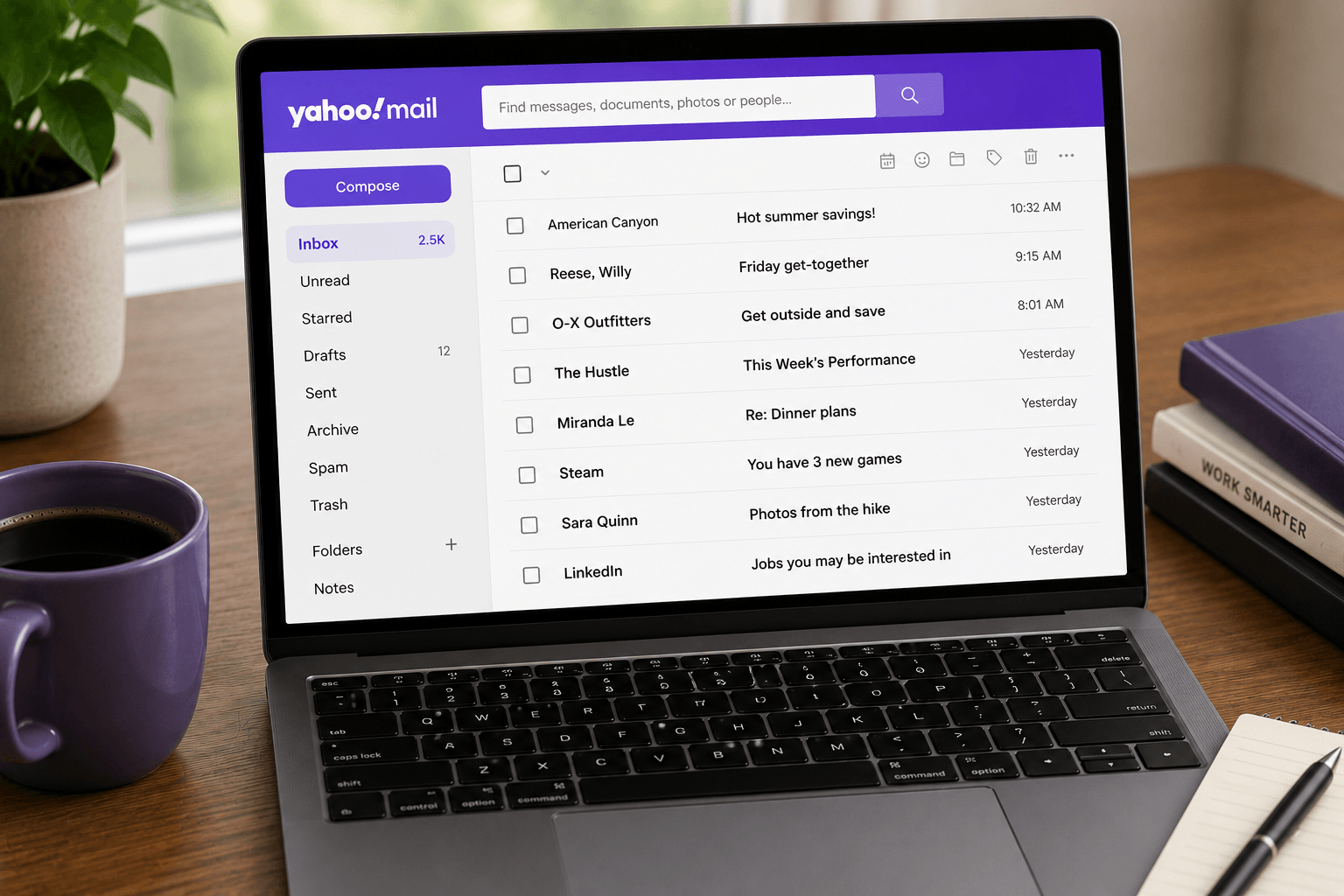
 Yahoo retired classic and basic Mail on desktop. Everyone who signs in now gets the new Yahoo Mail: same address, same folders, same password — different layout, and no way back.
That is the part people are searching for. Not "what is new", but "where did my inbox go, and can I get the old one back?" Short answer: you cannot switch back. The longer answer is that a few settings get you close.
The mailbox did not move. The furniture did.
What changed in the new Yahoo Mail
The 2026 desktop redesign replaces the old Classic and Basic layouts with one interface:
• Priority inbox — a tab that pushes what Yahoo thinks matters to the top.
• AI summaries — a one-line summary in the list, and a bulleted summary with suggested actions when you open a message.
• Quick actions — track a package, check in for a flight, grab a verification code, RSVP, or add a date to your calendar from the inbox.
• Starred panel — the messages you flagged, in one side panel.
• Contacts and Calendar — moved to the right-side panel instead of top tabs.
• Notepad — removed. It is not coming back in any version.
Your mail, folders, contacts, calendar, and display preferences carry over. Nothing needs exporting.
Can I switch back to classic Yahoo Mail?
No. Classic and basic Mail are no longer available, and Yahoo has said everyone on desktop is moving to the new design. Any page still promising a "switch back to classic" toggle is describing a setting that no longer exists.
How to make the new inbox feel like the old one
You cannot restore the old layout, but these settings get closest:
1. Turn off inbox categories — removes the tabs above the message list for a cleaner, single-list view.
2. Expand your folder list — click the folder header so all folders and subfolders show, the way Classic did.
3. Keep a side panel tab open — pin Contacts or Starred so the panel stops changing under you.
4. Set your compose font to Garamond, Large — the closest match to the classic look for mail you write. Received mail keeps the sender's formatting.
Multitasking tabs carry over if you had them on. If you never used them, they stay off.
Does my Yahoo Mail login still work?
Yes. Sign in at mail.yahoo.com with the same address and password. If the password fails, use Yahoo account recovery — the redesign did not reset credentials. IMAP and app passwords are unchanged, so Apple Mail, Outlook, and Thunderbird keep working if they were configured correctly.
Where Yahoo Mail Planner fits
Planner is Yahoo's bigger bet: an AI layer that pulls dates, bills, appointments, and to-dos out of your mail and puts them into a calendar and task list. It launched in the Yahoo Mail app for US users in March 2026, powered by Yahoo's Scout platform.
It is genuinely useful for life admin — school events, appointments, payment deadlines. It is not a work inbox. Yahoo is also rolling out Spaces (AI-grouped views for travel, family, and finances) in the US mobile app, plus Streaks and Challenges to gamify cleanup.
If your problem is "I cannot find the thing I need to act on", Planner is aimed at you. If your problem is "I have 4,000 unread work threads", it is not.
Is the new Yahoo Mail any good?
It is a better personal inbox than it was: cleaner, with real AI summaries and actions that save a tap. It is still ad-supported, still browser-first on desktop, still without a native Mac app, and still weaker than Gmail on search and integrations.
For bills, family, and old accounts: fine. For work: use Gmail or Outlook as the mailbox, then put a client like Faraday on top. Faraday does not sign in to Yahoo directly — it connects to Gmail and Outlook only.
Mail stopped arriving after the redesign?
The redesign did not change delivery rules, but it did move things: categories, Priority, and the Starred panel all hide mail that is still there. Search for the sender across All and Spam before assuming the account broke. Full checklist: Yahoo Mail not receiving emails. If you are near the storage ceiling, that is the more likely cause: Yahoo Mail storage full.
Should you stay on Yahoo after the redesign?
If the address is load-bearing and the new UI is tolerable, stay. If you were only there for 1 TB of free storage, that ended — free Yahoo is 20 GB in the US and Canada, 15 GB in the UK and EU. That is now smaller than a Gmail account shared with Photos. Compare the real numbers: email storage limits compared.
Did Yahoo kill classic Mail for good?
Yes. Classic and basic desktop layouts are retired. The account, address, and mail are not.
Will I lose my emails in the redesign?
No. Folders, contacts, and calendar come with you. Notepad is the one feature that was removed.
Can I get the old Yahoo Mail back?
No toggle exists. Turn off inbox categories and expand your folders to get a simpler, closer layout.
Is Yahoo Mail still free in 2026?
Yes, ad-supported. Plus is about $5/month for 200 GB, no ads, aliases, and auto-forwarding.
Does Faraday work with Yahoo Mail?
Not directly. Faraday connects to Gmail and Outlook. To use it, move the mailbox first — migrate Yahoo Mail to Gmail — and keep Yahoo forwarding during the switch.
