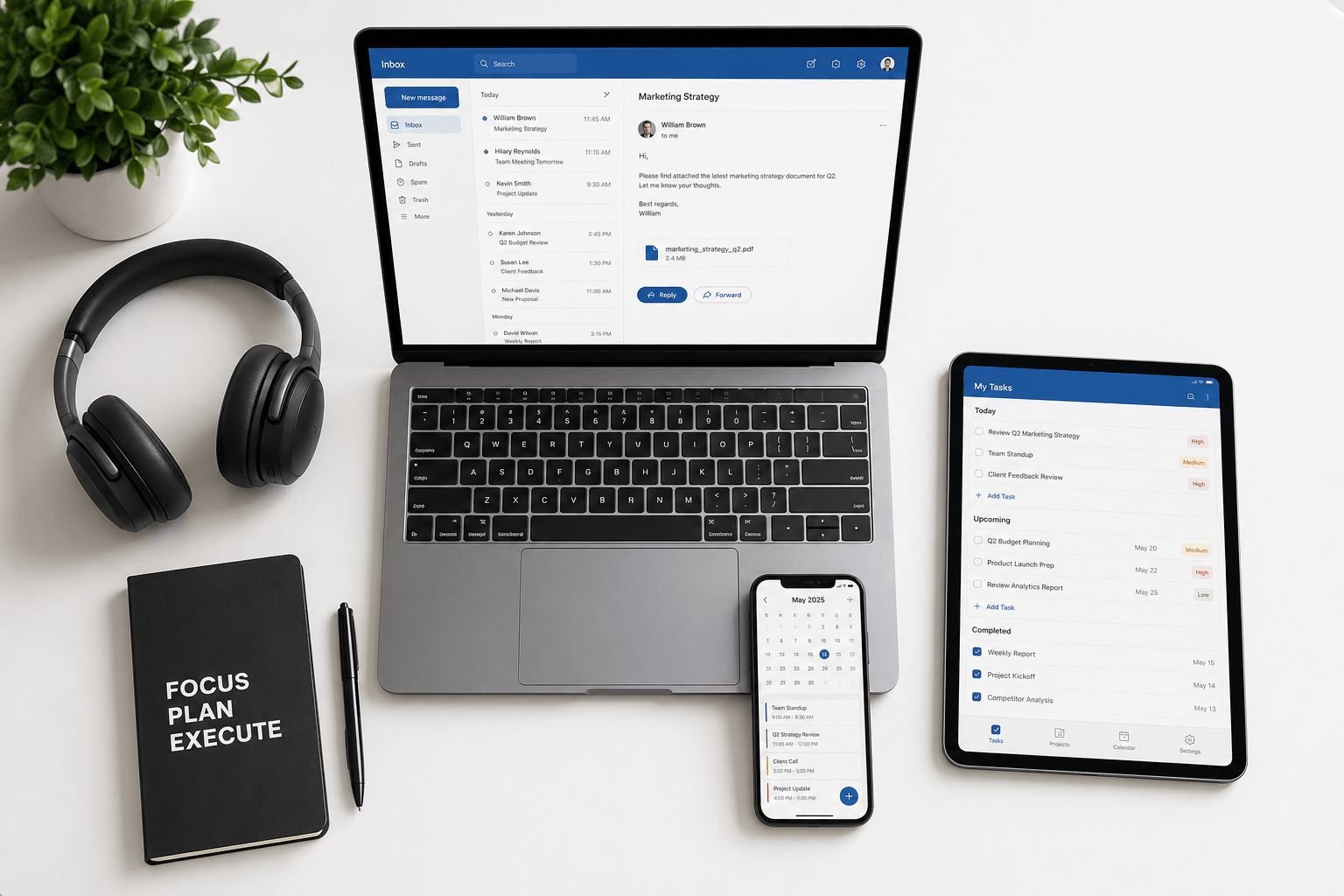
 By Series A, your scarcest resource isn't capital — it's founder hours. The right AI stack buys back time; the wrong one adds a dozen subscriptions and a new form of busywork. This is an honest, non-hype look at the AI tools that actually move the needle for scaling founders in 2026 — organized by the job to be done, not by vendor.
How to think about a founder AI stack
Before adding any tool, apply three filters:
Does it remove a recurring task, or just add a novelty? Buy leverage on things you do every day — email, meetings, writing — not clever demos you'll open twice.
Does it fit your existing workflow? A tool that lives where you already work beats a better tool you have to remember to open.
Is the data trade-off acceptable? AI tools read your email, docs, and calls. For a founder, that's sensitive. Prefer tools with clear privacy terms and no training on your data.
A tight stack of five tools you use daily beats twenty you use occasionally.
Communication & email
Founders live in the inbox, so this is the highest-frequency place to add leverage. The goal isn't to write more email faster — it's to spend less attention on it.
What to look for: automatic triage and categorization (so investor, customer, and team mail surface above noise), context-aware drafting in your voice, and search that works by meaning. Generic "AI writing" add-ons help a little; an inbox that reorganizes itself helps far more.
Faraday sits in this slot: it connects Gmail and Outlook and classifies, prioritizes, and surfaces what matters automatically — no rules or labels to maintain. For the deeper reasoning, see our guides on why founders drown in email and the best AI email clients of 2026.
Meetings & notes
As the team grows, so do meetings — and the cost of forgetting what was decided. AI notetakers (Granola, Otter, Fireflies, and the native summaries now built into Zoom, Meet, and Teams) transcribe, summarize, and extract action items automatically.
The real win isn't the transcript — it's that you can stop taking notes and actually be present, then trust that decisions and owners are captured. Pick one, wire it to your calendar, and route summaries into wherever your team already reads. Beware the failure mode: recording everything and reviewing nothing.
Thinking, research & writing
A general-purpose assistant — ChatGPT, Claude, or Gemini — is the workhorse of the founder stack: drafting board updates, pressure-testing strategy, summarizing long documents, and turning messy thoughts into structured arguments. Perplexity covers fast, cited research when you need current facts rather than generation.
Founder use that pays off: a "red team" partner for big decisions, a first-draft engine for anything written, and a summarizer for the reading you'll never get to. Treat outputs as a strong first draft, never as final truth — the judgment stays yours.
Docs & company knowledge
As headcount grows, tribal knowledge becomes a bottleneck. AI-native knowledge tools (Notion AI and similar) let people ask questions of your docs, specs, and wikis instead of interrupting whoever wrote them. The value scales with how disciplined you are about writing things down in the first place — AI retrieval can't surface knowledge that only lives in someone's head.
Product & engineering
If you have an engineering team, AI coding tools are no longer optional. AI-native editors and assistants like Cursor, GitHub Copilot, and Claude Code meaningfully accelerate shipping — scaffolding, refactors, tests, and code review. For non-technical founders, the same tools lower the cost of prototyping an idea before you spend a designer or engineer's week on it.
Operations & automation
The unglamorous, repetitive glue work — moving data between tools, routing leads, updating the CRM, generating reports — is where automation platforms (Zapier, Make, and their AI agents) quietly save hours a week. Automate the workflows you'd otherwise hire a coordinator to babysit, and revisit them quarterly so they don't rot.
What to skip
Tools that duplicate what you own. If your email, docs, or design suite already ships AI, a standalone add-on rarely earns its subscription.
Anything that needs constant prompting. If a tool only works when you babysit it, it's a hobby, not leverage. Favor tools that work in the background.
The tool of the week. Novelty is not productivity. Adopt on a quarterly review, not on a launch tweet.
The best founder AI stack in 2026 is small, boring, and used every day. If you're also formalizing how the company runs, pair this with our guide to the startup operating cadence.
Founder AI stack FAQ
What is the best AI productivity stack for founders in 2026?
A small set covering the jobs you do daily: an AI-native inbox (Faraday) for communication, an AI notetaker for meetings, a general assistant (ChatGPT/Claude) for thinking and writing, an AI knowledge tool for docs, and AI coding tools if you have engineers. Five daily-use tools beat twenty occasional ones.
Which AI tools actually save founders time?
The ones attached to high-frequency work: email triage, meeting notes, and drafting. These recur every day, so even small per-instance savings compound. Novelty tools you open occasionally rarely pay back their setup cost.
Are AI tools safe for sensitive founder data?
It depends on the vendor. Prefer tools with clear privacy terms, no model training on your data, and encryption. Since founder email and docs are highly sensitive, read the data policy before connecting an inbox or knowledge base.
How many AI tools should a startup use?
Fewer than you'd think. Aim for one strong tool per recurring job and resist stacking overlapping subscriptions. Review the stack quarterly and cut anything you didn't open.
What's the highest-leverage AI tool for a founder?
Usually the one attached to your inbox, because email is the highest-frequency surface a founder touches. Cutting the time and attention email consumes returns more hours than almost any other single tool. See our broader roundup of AI productivity tools for more.
