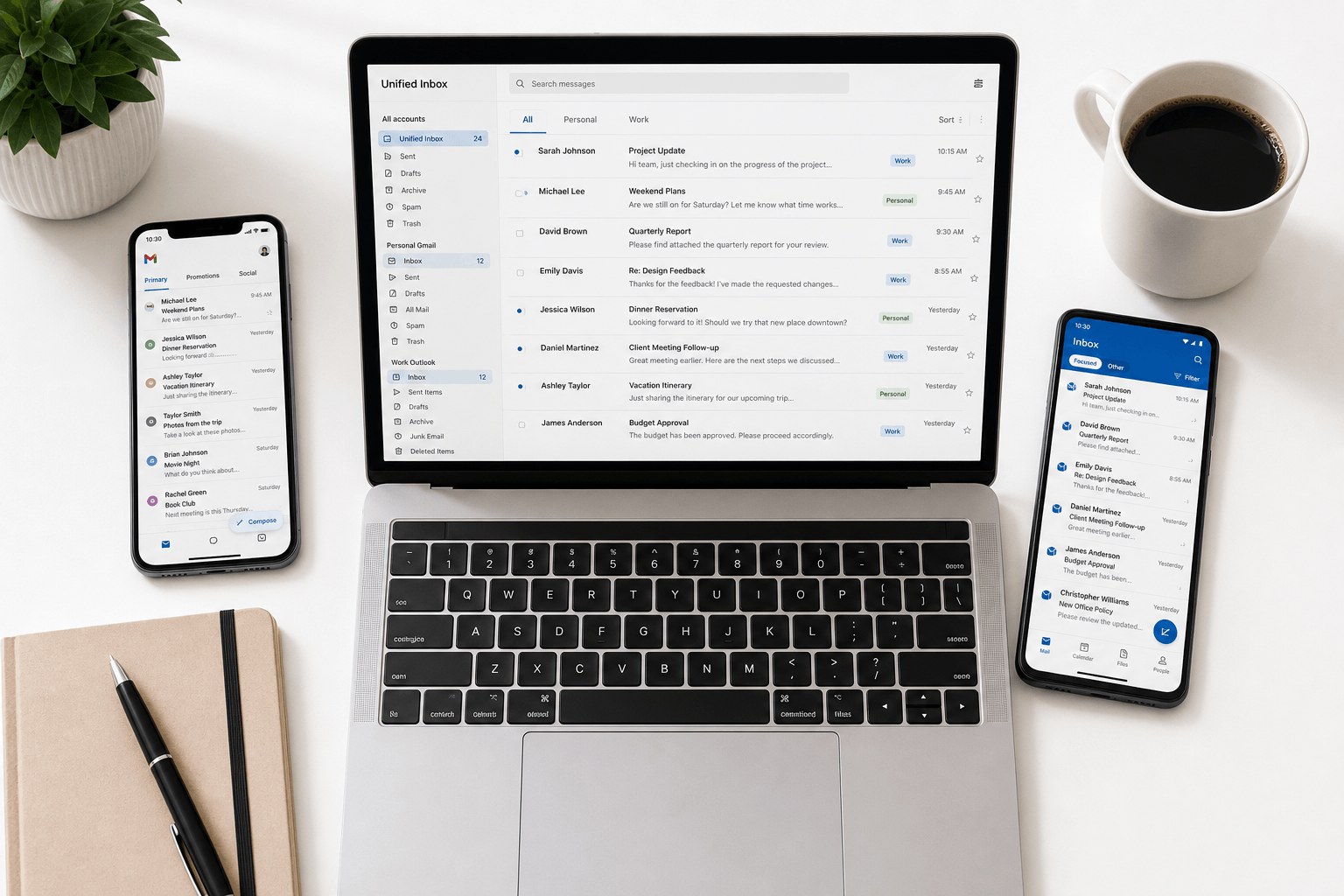
 One for work. One personal. One for the side project. Maybe an old one that still receives important emails. An Outlook account from the company that insists on Microsoft. A Google Workspace account for the consulting gig.
If you're managing multiple email accounts, you already know the pain: constant switching, missed messages, duplicated effort, and the nagging feeling that something important is sitting unread in the account you haven't checked yet today.
You're not disorganized. You're using tools that were designed for a single-account world.
The real problem with multiple inboxes
The obvious issue is fragmentation. Information lives across multiple silos. The client who emailed your work account doesn't know you also discussed the project from your personal Gmail. The receipt for a business expense is in one inbox; the approval thread is in another.
But the deeper problem is context switching. Every time you jump between accounts, you lose focus. You have to mentally recalibrate: different senders, different priorities, different mental models. Research shows that context switching can cost up to 40% of productive time. With email, it happens dozens of times a day.
Common approaches — and why they fall short
Browser tabs. The most common approach: Gmail in one tab, Outlook in another. Simple, but it means maintaining parallel workflows, separate notification streams, and no unified view of your email life.
Gmail's account switching. Google lets you toggle between accounts within the same interface. But each account is still its own silo — separate searches, separate labels, separate settings. The switching itself becomes a workflow tax.
Email forwarding. Forward everything to one account. This works until you need to reply from the correct address, or when forwarding rules break, or when you can't forward from a corporate account that blocks it. It's a band-aid that creates new problems.
Desktop clients (Thunderbird, Outlook desktop). These offer unified inboxes, but the experience is often heavy, dated, and lacking intelligence. You get all your email in one place, but it's still a chronological pile — just a bigger one.
What unified email management should look like
A truly effective multi-account solution needs three things:
1. One intelligent inbox. All accounts flowing into a single view, but with each email clearly attributed to the right account. No switching, no tabs, no confusion about which address received what.
2. Identity-aware replies. When you reply, the email should automatically go from the correct account. If someone emailed your work address, the reply comes from your work address. No manual toggling, no embarrassing "sent from the wrong account" moments.
3. Cross-account intelligence. Search that spans all accounts simultaneously. Organization that works across boundaries. Awareness that the shipping notification in your personal inbox and the purchase order in your work inbox are related.
Faraday: multi-account email, unified and intelligent
Faraday was built from the ground up for the multi-account reality. Add any combination of Gmail, Google Workspace, and Outlook accounts — personal and work, side projects and main gigs — and they flow into one intelligently organized view with Unified view.
Every email is automatically classified and categorized regardless of which account it arrived in. Meeting confirmations from your personal Gmail sit alongside meeting invites from your work Outlook — each clearly labeled, each replying from the correct address automatically.
Search works across all accounts simultaneously. Looking for "tax documents" surfaces results from every connected account in one view. No more opening three tabs and running the same search three times.
The intelligence layer — the same inherent, promptless AI that powers Faraday's organization — works across account boundaries. It understands that a delivery notification in your personal inbox and a purchase request in your work inbox are related. It surfaces patterns and context that siloed clients simply cannot see.
Faraday unifies your accounts, collates them intelligently, and ensures nothing falls through the cracks — across every inbox, every account, every provider. One view. All your email. Read the launch note: Unified view is live.