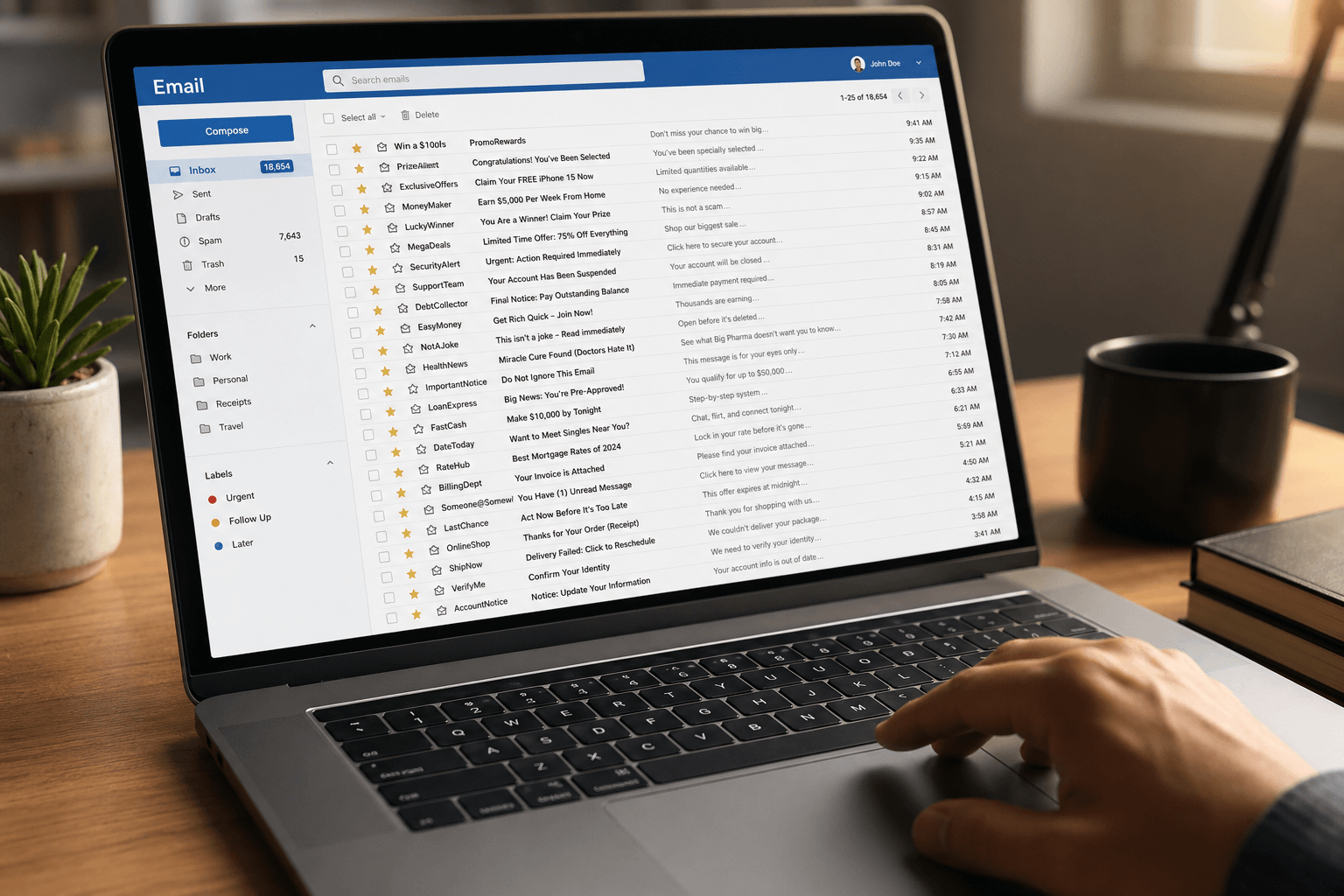
You didn't sign up for this. Somewhere between creating an online account five years ago and clicking "I agree" on a website you've since forgotten, your email address entered the spam ecosystem. Now it's a daily flood: fake prize notifications, cryptocurrency schemes, "urgent" messages from princes, pharmaceutical offers, phishing attempts disguised as bank alerts, and an endless stream of marketing from companies you've never heard of.
The average email user receives 15-20 spam messages per day. For some, it's far more. And while most of it lands in your spam folder, enough slips through to pollute your inbox, waste your time, and — in the worst cases — pose genuine security risks.
Here's what actually works to stop it — and what doesn't.
Why spam keeps coming
Understanding why you get spam helps you stop it. Your email address ends up on spam lists through several channels:
Data breaches. When a service you signed up for gets hacked, your email address (and often more) ends up on lists sold on the dark web. This is the most common source — and you often have no control over it.
Purchased lists. Some marketers buy email lists from data brokers. These lists aggregate addresses from public sources, sweepstakes entries, loyalty programs, and other companies that sell customer data. Technically legal in many jurisdictions, practically indistinguishable from spam.
Web scraping. Bots crawl websites, forums, and social media profiles harvesting any email address they find. If your address is published anywhere online, it's likely been scraped.
The "unsubscribe" trap. Ironically, clicking "unsubscribe" on spam from unknown senders can confirm your address is active, leading to more spam. Legitimate companies honor unsubscribe requests. Spammers use them as verification.
What actually works: the manual approach
1. Never reply to spam. Any engagement — replies, clicks, even opening — can signal that your address is active. Delete without opening when possible.
2. Use your provider's spam reporting. In Gmail, click "Report spam." In Outlook, use "Junk." This trains the provider's spam filter and helps protect other users too. Reporting is more effective than just deleting because it feeds the machine learning models that filter spam for everyone.
3. Block persistent senders. For senders that repeatedly bypass spam filters, use the block function. This prevents future emails from that specific address. It's whack-a-mole, but it helps with repeat offenders.
4. Unsubscribe from legitimate senders only. If the email is from a real company you recognize — a store, a service, a newsletter — the unsubscribe link is safe and legally required to work (under CAN-SPAM and GDPR). For emails from unknown or suspicious senders, don't click anything. Just report and delete.
5. Use email aliases. Services like Apple's Hide My Email, Firefox Relay, or SimpleLogin let you create disposable email addresses that forward to your real inbox. Use them for sign-ups, purchases, and any site you don't fully trust. When an alias starts getting spam, delete it without affecting your primary address.
6. Tighten your privacy settings. Review which apps and services have access to your email. Revoke permissions for anything you no longer use. On Google, check your Third-party apps with account access — you might be surprised what's still connected.
What doesn't work (as well as you'd hope)
Creating a new email address. This works temporarily, but the moment you use the new address on a few websites, the cycle begins again. It's a reset, not a solution.
Spam filter apps and plugins. Third-party spam filters can help, but they add complexity, often require access to your email content (a privacy concern), and are typically solving a symptom rather than the root problem. Your email client should handle this natively.
Aggressive filtering rules. Setting up manual rules to catch spam works for known patterns but fails for new ones. Spammers constantly change sender addresses, subject lines, and tactics. Rules can't keep up with adversarial creativity.
The real solution: an inbox that classifies intelligently
The fundamental problem with spam isn't that it exists — it's that your email client can't reliably tell the difference between a genuine message and noise. Traditional spam filters use pattern matching and sender reputation, which catches the obvious stuff. But the gray area — the promotional emails that aren't quite spam, the newsletters you maybe signed up for, the automated notifications from services you used once — all of that lands in your inbox looking identical to messages that actually matter.
Faraday approaches this differently. Instead of just filtering spam, it intelligently classifies every email by type, context, and relevance. Spam and junk are filtered, but more importantly — the gray area that traditional filters miss is automatically organized. Promotional emails, newsletters, automated notifications, and transactional messages are each recognized for what they are and sorted accordingly.
The result is an inbox where only messages that genuinely need your attention appear prominently. Everything else is organized, accessible when you want it, but never in the way. You don't need to unsubscribe from everything, set up elaborate rules, or constantly report spam. The intelligence is inherent — built into the core, running from within, no configuration required.
Stop fighting spam. Start ignoring it.
The manual tactics above help reduce spam volume. Use them — especially spam reporting, aliases, and selective unsubscribing. They're good hygiene.
But the real shift happens when your email client is smart enough to make spam irrelevant. Not just filtered into a folder you never check, but genuinely separated from meaningful communication so thoroughly that you forget spam exists.
That's Faraday. An inbox where noise doesn't reach you — because intelligence, not rules, decides what deserves your attention.
For the specific mechanics of unsubscribing from newsletters and marketing mail — including Gmail and Outlook's built-in tools, mass unsubscribing tactics, and third-party service warnings — see How to unsubscribe from emails.
