 Let's do the math.
The average professional receives 120-150 emails per day. Not all require responses — but all require decisions. Read or skip? Reply now or later? Archive, delete, or flag? Forward or handle yourself? Every email, even the ones you dismiss in a second, costs cognitive effort.
McKinsey's widely cited research found that professionals spend 28% of their workweek on email. That's 11.2 hours out of a 40-hour week. 2.24 hours per day just on email.
But that number is from a few years ago, and it only counted time spent inside email applications. The real number is higher — because it doesn't account for context switching.
The hidden costs McKinsey didn't count
Context switching: Every time you leave a task to check email and return, you lose an average of 23 minutes to regain full focus (University of California, Irvine research). The average professional checks email 15 times per day. That's potentially 5.75 hours of fragmented focus — not all lost, but significantly degraded.
Notification anxiety: Even when you're not checking email, the awareness that new messages are arriving creates a low-level cognitive load. Research published in the Journal of Experimental Psychology found that even unread notifications reduce cognitive performance by an amount equivalent to losing a night's sleep.
Search and retrieval: The average professional spends 9.3 hours per week searching for information, according to McKinsey. A significant portion of that is searching through email — trying to find an attachment, a conversation, a decision, or a piece of information that you know is "somewhere in there."
Re-reading: Because most inboxes don't surface relevant information at a glance, you re-read emails multiple times. The first time to scan. The second time to understand. The third time when you actually respond. Studies suggest professionals read the average important email 2.5 times before acting on it.
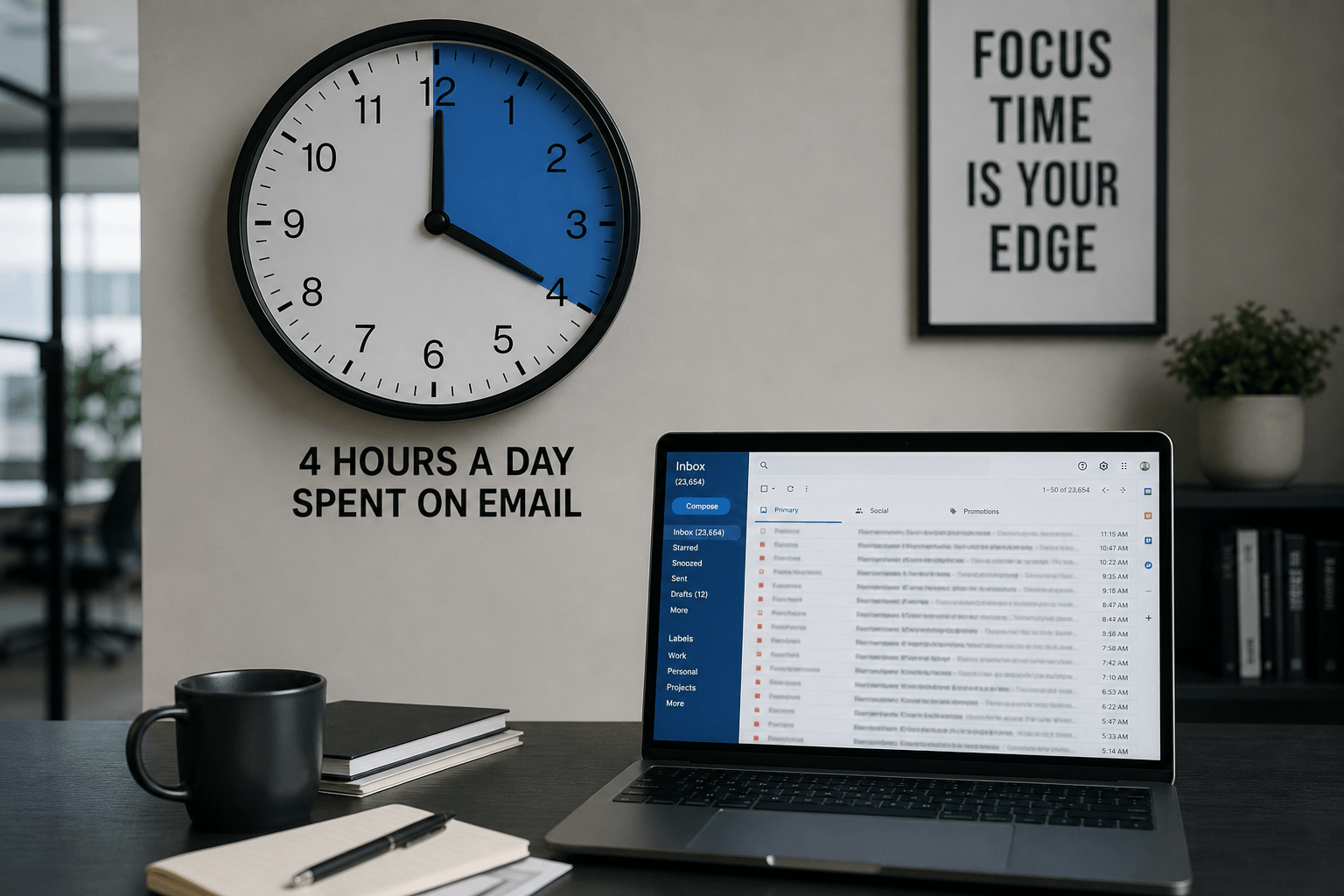
When you add context switching, search time, and re-reading to the baseline 2.24 hours, a realistic estimate is 3.5-4.5 hours per day spent on email-related activity. That's half your workday.
Where the time actually goes
Let's break down a typical professional's daily email time:
Triage (sorting and scanning): 45-60 minutes. Opening the inbox, scanning subject lines, making snap decisions about what matters. This is pure decision fatigue — 120+ micro-decisions before you've done any actual work.
Reading and comprehending: 45-60 minutes. Actually reading the emails that matter. Many are longer than they need to be, include unnecessary context, or bury the key point in paragraph four.
Composing and responding: 60-90 minutes. Writing replies, crafting new emails, revising drafts. The average professional email takes 3-5 minutes to compose, and professionals send an average of 40 emails per day.
Searching and retrieving: 20-30 minutes. Finding old emails, locating attachments, verifying past decisions. This time increases dramatically in cluttered, poorly organized inboxes.
Context switching recovery: 30-60 minutes. The invisible cost. Not time spent in email, but time lost returning to deep work after email interruptions.
Total: 3.25 - 5 hours per day.
The real cost isn't time — it's energy
Time is the measurable cost. But the real damage is to cognitive energy. Email consumes your best thinking hours — the morning, when focus and willpower are highest — with low-value sorting and skimming tasks. By the time you get to the work that actually matters, your mental reserves are already depleted.
This is why you can feel exhausted at the end of a day where you "did email all morning." You didn't create anything. You didn't solve hard problems. You didn't do deep work. But you made hundreds of small decisions, and decision fatigue is cumulative.
What you can do about it
Batch processing: Check email 2-3 times per day at set times instead of continuously. The world will not end if you respond at 10am, 1pm, and 4pm instead of within 5 minutes. This alone recovers 1-2 hours of fragmented focus time.
The two-minute rule: If an email takes less than two minutes to handle, do it immediately. Don't flag it, don't defer it, don't re-read it later. Handle it once and archive it.
Turn off notifications: Every notification that pulls your attention to email costs 23 minutes of deep focus. Turn off badges, banners, sounds — all of them. Check email on your schedule, not your inbox's schedule.
Unsubscribe ruthlessly: Every newsletter you don't read, every notification you don't need, every promotional email you never open — unsubscribe. This isn't a one-time task; it's an ongoing habit. Five minutes of unsubscribing saves hours per week.
Write shorter emails: The length of your emails sets the norm for your correspondents. If you write three-paragraph emails, you'll receive three-paragraph replies. Write shorter, get shorter responses, spend less time on both ends.
Or: fix the root cause
All the strategies above are coping mechanisms. They work, but they require discipline and they address symptoms, not the root cause. The root cause is that email clients haven't evolved. They still show you a chronological list of everything, with no intelligence about what matters, no automatic organization, and no awareness of context.
The 45-60 minutes you spend on triage? An intelligent email client eliminates it entirely by automatically categorizing every email — personal messages, work correspondence, newsletters, receipts, notifications — without you creating a single filter or label.
The 20-30 minutes searching for old emails? A client that understands context makes finding information instant — not just keyword matching, but understanding what you mean when you search.
The re-reading? A client that surfaces relevant information — key dates, amounts, action items, attachments — right in the preview means you read once, decide once, move on.
Faraday was built to eliminate the time tax that email imposes on your day. Not by adding more features to manage, but by building intelligence into the foundation — so your inbox works for you instead of the other way around. Triage is automatic. Organization is automatic. The important 12% of each email is surfaced immediately.
You'll never get email down to zero hours. But you can get it from 4 hours to 1 — and reclaim the other 3 for work that actually moves your career, your business, and your life forward.