Out-of-office replies, done right
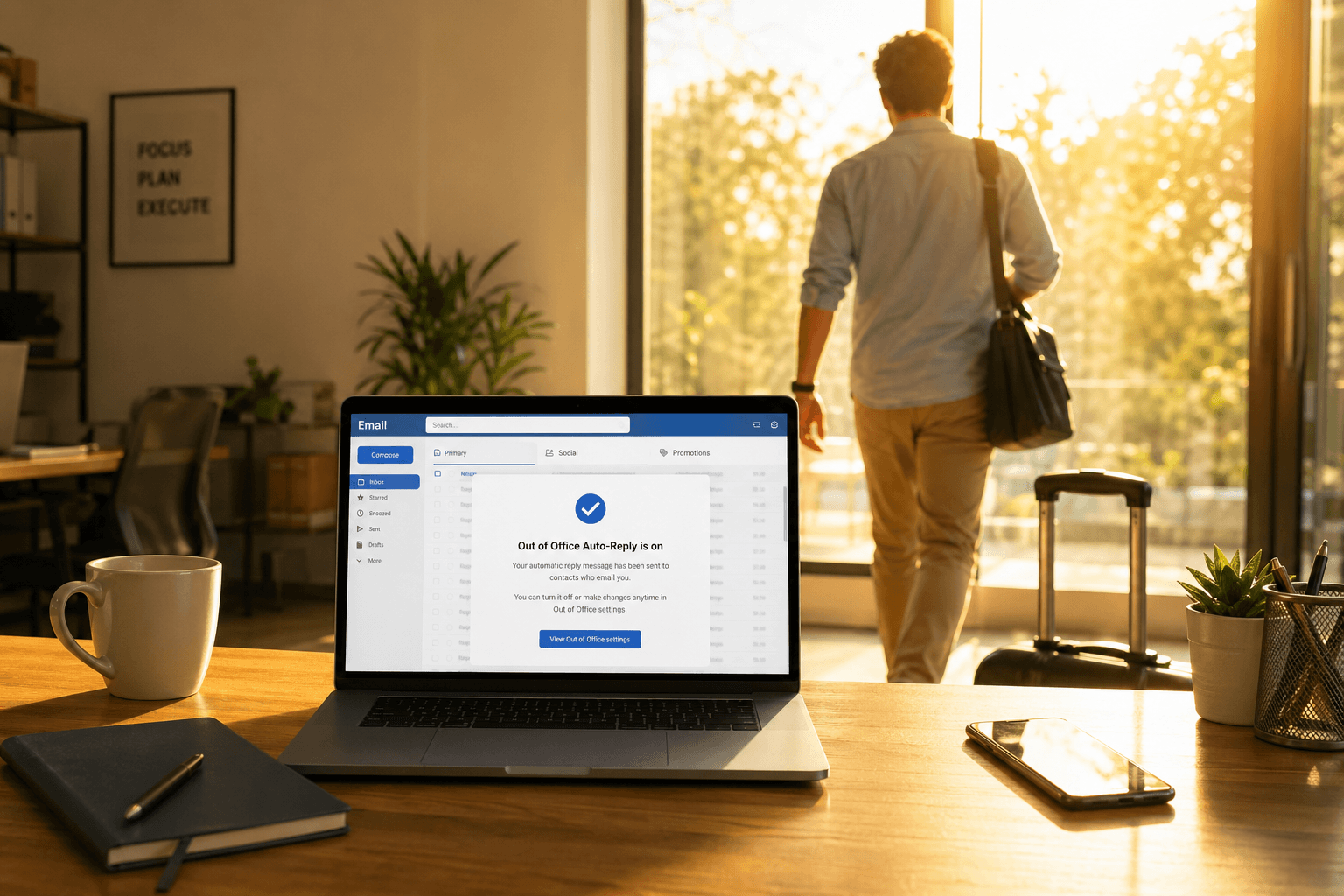 Most out-of-office messages are either so vague they communicate nothing ("I am currently out of the office") or so detailed they read like a legal disclaimer. Here's exactly how to set one up in Gmail and Outlook — plus copy-paste templates for every common scenario.
How to set up vacation responder in Gmail
1. Open Gmail → gear icon → "See all settings."
2. Scroll to "Vacation responder" at the bottom of the General tab.
3. Select "Vacation responder on."
4. Set first day and last day (tick the Last day checkbox for an auto end-date).
5. Write your subject and message body.
6. Optional: tick "Only send a response to people in my Contacts" to avoid sending auto-replies to newsletters and marketing mail.
7. Click "Save Changes."
Note: Gmail sends the vacation responder once per sender every 4 days — so if someone emails you three times, they receive one auto-reply, not three.
How to set up automatic replies in Outlook
Outlook on the web (Outlook.com / Microsoft 365):
1. Gear icon → "View all Outlook settings."
2. Mail → Automatic replies.
3. Toggle "Turn on automatic replies."
4. Set date range and write message. Optionally set a separate message for people outside your organization.
5. Click "Save."
Classic Outlook desktop (Windows):
1. File → Automatic Replies (Out of Office).
2. Select "Send automatic replies" and set the date range.
3. Use the Inside My Organization and Outside My Organization tabs — different messages for colleagues vs. clients is one of Outlook's genuine advantages.
4. Click "OK."
What every auto-reply must include
Four things, every time:
1. That you're away — first sentence, no ambiguity.
2. When you're back — a specific date, not "next week" or "soon."
3. What to do if it's urgent — a named colleague, distribution list, or phone number.
4. What to expect — will you check email at all? Intermittently? Say so. Set expectations rather than let frustration build.
Subject line guidance
Your subject line is the first thing a recipient sees in their inbox. Keep it functional:
Good formats:
Out of Office — Back [Date]
Away until [Date] | I'll respond when I return
Out of Office: [Your Name] — Returns [Date]
Avoid clever subject lines for professional contexts — "Gone fishing!" is charming once, confusing to someone in a different time zone who doesn't know you. Keep it scannable and dateable.
Template 1: Standard vacation
Subject: Out of Office — Back [Date]
Thanks for your email. I'm on vacation and will return on [Date]. I won't be checking email during this time.
If your matter is urgent, please contact [Colleague] at [email]. Otherwise I'll respond when I'm back.
Best,
[Your name]
Template 2: Short absence (1–3 days)
Subject: Out of Office — Back [Date]
I'm out of the office until [Date] with limited access to email. I'll respond to your message when I return. For urgent matters, please reach [Colleague] at [email].
Thanks,
[Your name]
Template 3: Parental leave
Subject: Out of Office — Parental Leave
Thank you for your email. I'm currently on parental leave and will return on [Date].
During my absence, please contact:
• [Colleague A] at [email] for [area, e.g. client inquiries]
• [Colleague B] at [email] for [area, e.g. project work]
They're fully briefed and happy to help. I appreciate your patience.
Best,
[Your name]
Template 4: Sabbatical or extended leave
Subject: Out of Office — Extended Leave until [Date]
Thank you for reaching out. I'm on extended leave until [Date] and will not be monitoring email during this period.
For work-related matters, please contact:
• [Name] — [email] ([area])
• [Name] — [email] ([area])
I'll follow up on outstanding items when I return. Thank you for your understanding.
Best,
[Your name]
Template 5: Medical or unexpected absence
Subject: Out of Office — Unavailable until [Date]
Thank you for your email. I'm currently unavailable and will be out of contact until approximately [Date].
Please reach [Colleague] at [email] for anything requiring attention before I return. I'll respond to all messages as soon as I'm able.
Thank you for your patience.
[Your name]
(No need to disclose the reason for absence. "Unavailable" is sufficient and professional.)
Template 6: Conference or event
Subject: Out of Office — At [Conference Name] until [Date]
Thanks for your email. I'm attending [Conference / Event] from [Start Date] to [End Date] and have limited availability.
I'll be checking email intermittently and will respond as soon as I can. For anything time-sensitive, please contact [Colleague] at [email].
Best,
[Your name]
Template 7: Part-time or reduced schedule
Subject: Limited Availability — I work [Days] each week
Thank you for your email. I work [Mon/Wed/Fri] and will respond on my next working day. If you need assistance before then, please contact [Colleague] at [email].
Best,
[Your name]
Template 8: Freelancer or solo professional
Subject: Away until [Date] — I'll reply when I return
Thanks for your email! I'm away and will be back on [Date]. I'll respond to your message as soon as I return.
If something can't wait, feel free to text me at [number].
Looking forward to connecting,
[Your name]
Template 9: Internal-only (colleagues)
For Outlook users who can set separate messages for inside vs. outside the organization, your internal message can be more candid:
Hey team — I'm on holiday until [Date]. [Colleague] is covering urgent items. I'll catch up on everything when I'm back. Don't wait on me for anything that needs to move.
Informal, direct, and efficient. Save the formal version for external contacts.
What NOT to include
Where you're going. "I'm on a beach in Bali" is unnecessary for external contacts and is a security consideration — it signals your physical absence publicly.
Apologies. "Sorry for the inconvenience" is filler. Being unavailable is normal. A matter-of-fact tone is more professional.
Promises you won't keep. If you won't check email, don't say "limited access." Under-promise and over-deliver.
Humor in corporate contexts. "Sipping margaritas!" reads fine to friends, poorly to a client with a problem or a recruiter who's moving on.
Coming back to a full inbox
The out-of-office message is the easy part. The hard part is returning to 200+ emails and triaging fast.
Sort by sender, not date. Handle your manager, key clients, direct reports first — everything else can wait.
Batch-archive older non-action mail. Newsletters, notifications, FYIs, completed threads — select all conversations older than your return date that need no reply, archive them. Anyone who needed a response would have followed up or contacted your backup.
If your inbox is organized intelligently rather than chronologically, this isn't a project — it's a 5-minute scan. Faraday automatically categorizes everything that arrived while you were gone: real correspondence surfaces clearly, newsletters and notifications sit separately, and what needs your attention is obvious without scrolling. The out-of-office protected your time while you were away. Faraday protects your sanity when you come back.
Out-of-office replies: FAQ
What should an out-of-office message say?
Four things: that you're away, the exact date you return, who to contact if it's urgent, and whether you'll check email at all. Keep it to a few short sentences — skip apologies and your travel plans.
How do I set up an out-of-office reply in Gmail?
Settings → See all settings → General → Vacation responder. Set the first and last day, write your subject and message, optionally limit it to contacts, then Save. Gmail sends one reply per sender every four days.
How do I set up automatic replies in Outlook?
On the web: Settings → Mail → Automatic replies → turn on, set the date range and message. On desktop: File → Automatic Replies, where you can write separate messages for people inside vs. outside your organization.
Here's a simple out-of-office example:
"Thanks for your email. I'm out of office and will return on [Date]. I won't be checking email during this time. For anything urgent, please contact [Colleague] at [email]."
Should I say why I'm out of office?
No. "Out of office" or "unavailable" is enough, even for medical or personal leave. You're not obligated to explain, and vaguer is more professional for external contacts.