You write the email. You proofread it. You hit send. And then... nothing. No reply. No acknowledgment. Just silence.
It's not personal. The person on the other end probably receives 100+ emails a day. Your message landed in an inbox alongside meeting invites, newsletters, Slack notifications forwarded to email, automated alerts, and a dozen other messages — all competing for the same finite attention.
The emails that get responses aren't the longest, the most formal, or the most carefully worded. They're the ones that respect the reader's time, make the ask clear, and are easy to act on. Here's how to write them.
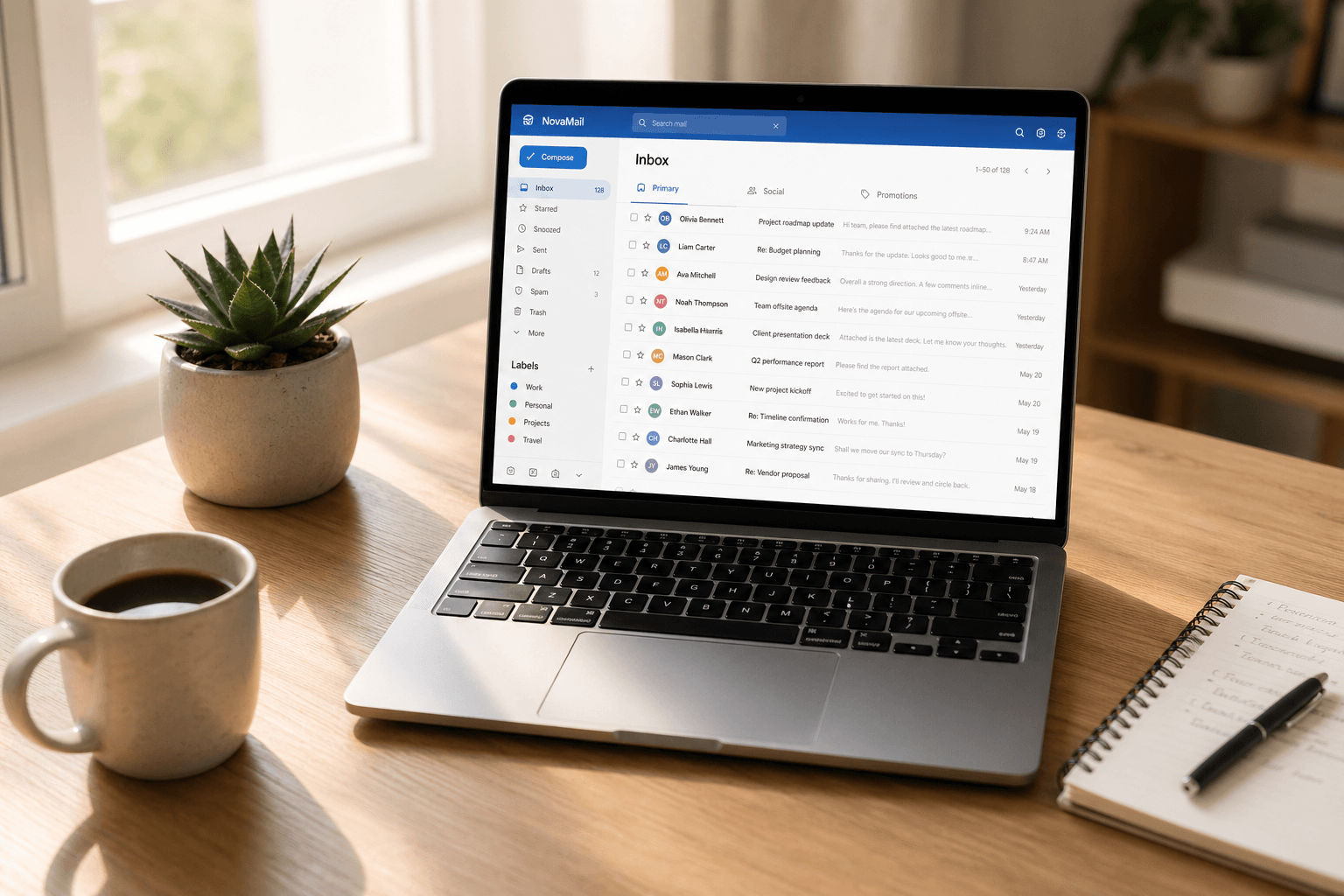
The anatomy of an effective email
Every professional email that gets a response shares the same structure — whether the sender knows it or not:
1. A subject line that tells, not teases. Your subject line is the first (and often only) thing the recipient reads before deciding whether to open your email now, later, or never. Be specific. "Quick question about the Q2 timeline" beats "Hey" or "Following up" or "Question." Include the key context so they can mentally prioritize before opening. If there's a deadline, put it in the subject: "Need approval by Friday: Q2 marketing budget."
2. The first sentence does the heavy lifting. Don't bury the point. The first line should answer the reader's immediate question: "Why is this person emailing me, and what do they need?" Start with the context or the ask — not with "I hope this email finds you well" or three paragraphs of background. You can add context after the ask, but lead with purpose.
Good: "I'm writing to get your sign-off on the attached proposal before we present to the client on Thursday."
Weak: "Hi! I wanted to touch base regarding some items we discussed in last week's meeting about the upcoming client presentation..."
3. One email, one purpose. Emails that contain three different requests, two questions, and a tangential update get partial responses — or none at all. The reader answers the easiest question, intends to come back for the rest, and never does. If you have multiple unrelated asks, send multiple emails. Each one gets a clear subject line and a clear response.
4. Make it scannable. Walls of text don't get read — they get skimmed, and the important parts get missed. Use short paragraphs (2-3 sentences max). Use bullet points for lists. Bold the key information — dates, amounts, names, deadlines — so a reader scanning at speed can extract what matters without reading every word.
5. End with a clear, specific ask. "Let me know what you think" is vague and easy to defer. "Can you approve this by Thursday?" is specific and actionable. Tell the reader exactly what you need and when you need it. If no action is required, say so explicitly: "No response needed — just keeping you in the loop."
Common mistakes that kill response rates
Writing too much. Every additional sentence reduces the probability of a response. Professional email is not the place for nuance, narrative, or comprehensive context. Give them what they need, then stop. If the topic is genuinely complex, summarize in the email and attach the detail as a document.
Being vague about the ask. "Thoughts?" and "Let me know" are response-killers. They require the reader to figure out what you want — which is cognitive work they'll defer. Be explicit: "Do you prefer Option A or Option B?" is infinitely easier to respond to than "What do you think about the options?"
Sending at the wrong time. Emails sent at 7pm on Friday don't get responses until Monday — if then. They're buried under the weekend's accumulation. Tuesday through Thursday, 9am-11am in the recipient's timezone consistently shows the highest response rates in studies. If you draft emails at odd hours, schedule them.
Reply-all when unnecessary. Nothing kills goodwill faster than reply-all threads that spiral. Only include people who need to act or be informed. Every unnecessary recipient is someone who learns to ignore your emails.
Forgetting the attachment. "Please find attached" with no attachment is a universal experience, but it adds a round trip to every interaction. Before hitting send, check the attachment, check the recipients, check the subject line. Three seconds of review saves days of delay.
Templates that work
The clean request:
Subject: Approval needed: [specific item] by [date]
"Hi [Name], I need your approval on [specific thing]. [One sentence of context]. Can you confirm by [date]? Happy to discuss if you have questions. Thanks, [You]"
The introduction:
Subject: Intro: [Person A] ↔ [Person B] — [context]
"Hi [A] and [B], I'd like to connect you both. [A], [B] is [one-line context]. [B], [A] is [one-line context]. I'll leave it to you to take it from here. Best, [You]"
The follow-up:
Subject: Re: [original subject] — following up
"Hi [Name], Just following up on the below. I know things get busy — would love to get your input on [specific ask] by [date] if possible. Thanks, [You]"
The other side: making sure responses reach you
Writing great emails is half the equation. The other half is making sure responses don't get lost in your own inbox.
If your inbox is a cluttered mess — newsletters mixed with client replies mixed with automated alerts — the response you've been waiting for might be sitting unread, buried under noise. This is where most email clients fail you: everything arrives in the same flat list, and important replies get lost.
Faraday solves this by automatically classifying every email by type, context, and relevance. Personal messages and direct replies surface prominently. Newsletters, notifications, and noise are organized separately. When that approval you requested finally comes through, it's front and center — not buried beneath 30 promotional emails.
Write better emails. And make sure your inbox is smart enough to surface the responses. Both sides matter.
