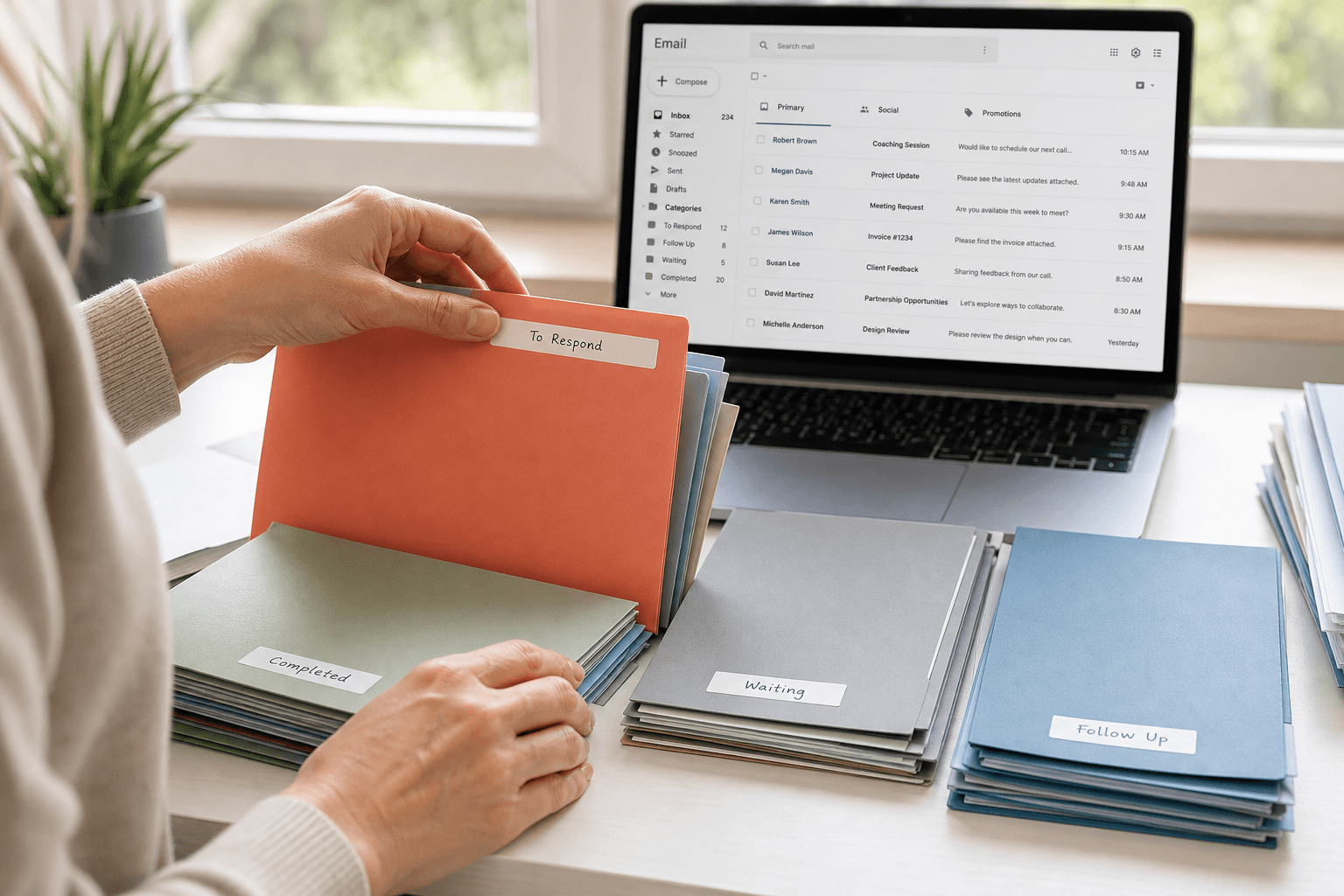
 You open your inbox. 47 unread. A mix of meeting invites, newsletters you forgot you subscribed to, a shipping notification from three days ago, two urgent requests buried beneath a chain of reply-all threads, and an OTP that expired 20 minutes ago.
Sound familiar? You're not alone. The average professional receives over 120 emails per day, and most of them require some form of decision — even if that decision is just "ignore this." That's a relentless stream of micro-decisions, every single day, and it's the primary reason email feels so exhausting.
The problem isn't you. The problem is that your inbox was never designed to help you organize anything.
Why traditional organization fails
Most advice for managing email clutter falls into the same categories: create folders, apply labels, set up filters, archive aggressively, aim for inbox zero. These strategies work — for about a week. Then life gets busy, the filters miss edge cases, the folders multiply beyond usefulness, and you're back to a cluttered inbox with the added guilt of an abandoned organizational system.
The fundamental issue is that all of these methods place the burden on you. You decide the categories. You write the rules. You maintain the system. The email client itself remains passive — a dumb container that shows messages in the order they arrived and waits for you to sort them.
The manual approach: when it works and when it doesn't
Unsubscribe ruthlessly. Start by cutting the volume. If you haven't read a newsletter in the last two months, unsubscribe. Most email clients now surface unsubscribe links — use them. This alone can reduce daily email volume by 20-30%.
Use filters for the predictable. Receipts from known senders, social media notifications, automated alerts — these follow patterns. Set up filters to auto-archive or label them. This handles the "noise" layer.
Time-box your email. Instead of checking email continuously, dedicate 2-3 specific windows during the day. This prevents the constant context-switching that kills deep work.
The two-minute rule. If an email can be handled in under two minutes, do it immediately. Otherwise, flag it for later. This prevents the small tasks from piling up.
These are solid habits. But they're still manual. They still require your attention, your discipline, and your ongoing maintenance. They manage the symptoms without addressing the underlying issue: your email client isn't helping you.
What truly organized email looks like
Imagine opening your inbox and seeing — without any setup — your booking confirmations in one place, your newsletters in another, your personal conversations prominently surfaced, transaction alerts and OTPs instantly visible, and everything else intelligently sorted by context and priority. Not because you wrote 47 filter rules, but because your email client understood what each message actually was.
That's not a fantasy. That's what Faraday does.
The AI approach: let your inbox organize itself
Faraday uses AI not for gimmicks like compose-assist, but for the thing that actually matters — processing, classifying, and re-presenting every email so that your inbox is organized from the start. No manual rules. No prompts. No training period. The intelligence is inherent — built into the core, running from within.
When Amazon sends you an order confirmation, a shipping update, and a promotional email on the same day, Faraday recognizes these as three different types of communication and handles them accordingly. Gmail dumps them all into "Promotions." Traditional filters might catch one. Faraday gets all three, every time, automatically.
Beyond organization: reclaiming your attention
The real benefit of a truly organized inbox isn't just visual tidiness — it's cognitive relief. When you don't have to evaluate every message, decide where it goes, or worry about missing something important, email stops being a source of stress and becomes what it should be: a communication tool that works for you.
Research shows that relevant information typically constitutes only about 12% of any given email. Faraday surfaces that 12% immediately. The rest is organized, accessible, but out of your way. Your attention goes where it matters.
Start today
If you're drowning in email clutter, start with the manual basics: unsubscribe, filter the predictable, and time-box your email sessions. These habits help.
But if you want the clutter to genuinely disappear — without ongoing effort — the answer is a smarter email client. Faraday was built for exactly this. An inbox that organizes itself, so you can focus on what actually matters.