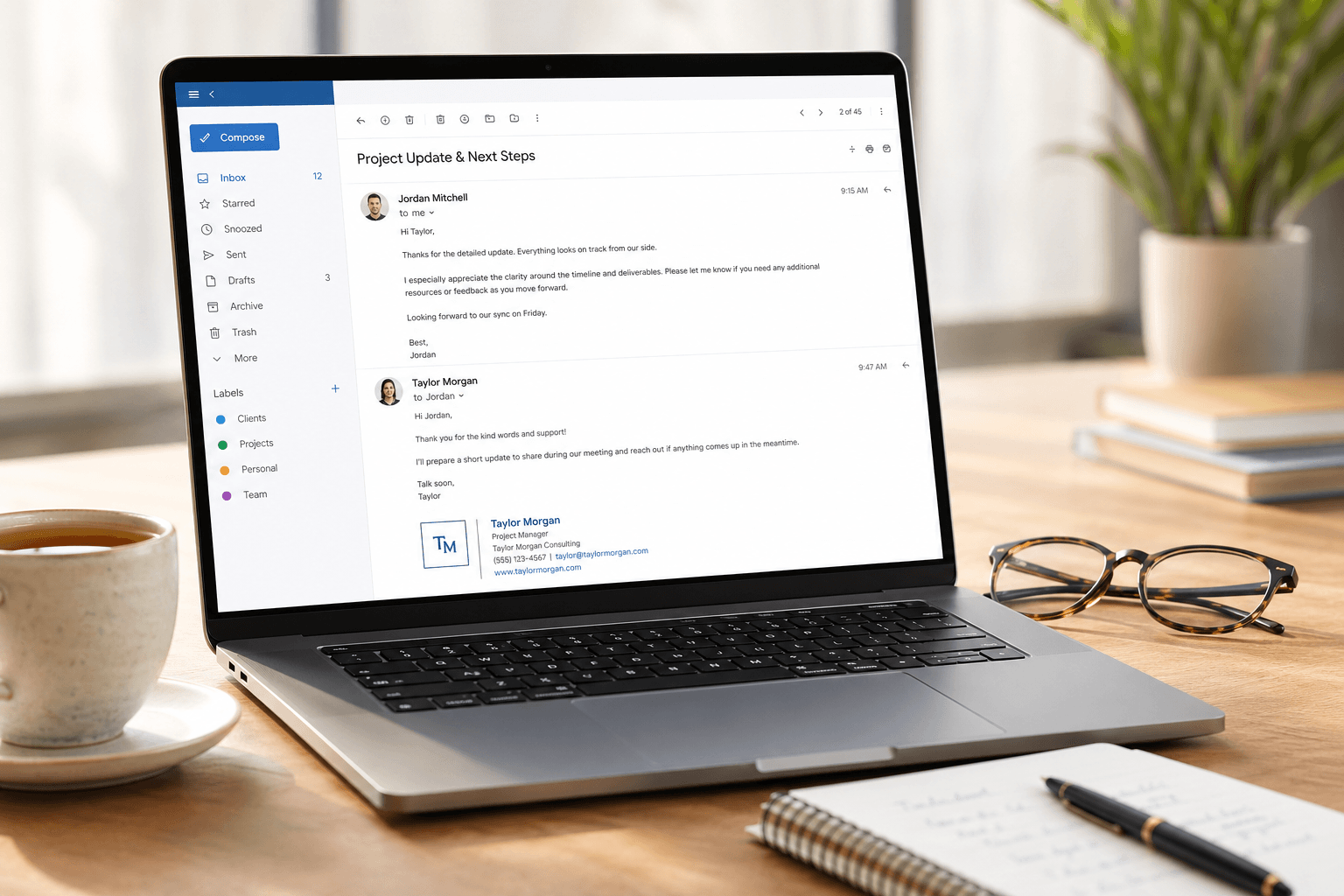
 Nobody takes an email etiquette class. There's no certification, no training module, no onboarding session that covers it. And yet — everyone judges you for breaking the rules. The rules that were never written down, never formally taught, and somehow everyone is expected to know.
You've been on both sides. You've received the reply-all that should have been a private message. You've been CC'd on a thread with no idea why you're included. You've sent a message that was misread as curt when you meant it to be concise. You've waited three days for a response and wondered if you should follow up or if that would be "too much."
Email etiquette isn't about being polite for politeness' sake. It's about reducing friction, preventing misunderstandings, and respecting other people's time and attention. Here are the rules that actually matter.
The subject line is a contract
Your subject line makes a promise about what's inside. Break that promise and you lose trust.
"Quick question" should contain one question, not six. "FYI" should require no action. "Urgent" should actually be urgent — not "urgent to you but not to the recipient." The subject line is the single most important piece of email real estate because it determines whether your message gets opened now, later, or never.
Rules: Keep it under 8 words. Make the topic or ask clear. Update the subject when the conversation changes direction — don't discuss Q3 budgets under a thread titled "Friday lunch plans." And never leave the subject line blank. It signals either laziness or that you don't respect the recipient's inbox organization.
CC vs BCC: know the difference, respect the power
CC (carbon copy) means "I want this person to be aware of this conversation." The recipient can see everyone who's CC'd. Use it when transparency matters — keeping a manager in the loop, including a team member for context, or creating a paper trail.
BCC (blind carbon copy) means "I want this person to receive a copy without others knowing." Use it when sending to large groups where recipients' email addresses should remain private (newsletters, announcements to external contacts). Also useful when you want to loop someone in discreetly — like forwarding a client conversation to your manager without the client seeing.
The mistakes: CC'ing people who don't need to be there (creates noise and signals poor judgment). BCC'ing someone to secretly monitor a conversation (feels sneaky and damages trust if discovered). Reply-all on a BCC'd thread (reveals the BCC, which is mortifying). When in doubt, CC less, not more. People can always be forwarded a thread; they can't un-receive 47 notifications they didn't need.
Reply-all: the nuclear button
Reply-all is the most abused feature in email. The rule is simple: use reply-all only when every person on the thread genuinely needs to see your response.
"Thanks!" to 15 people? Reply to sender only. "Got it, will do" to a team-wide assignment? Reply to sender only. Scheduling preferences when someone asked the group for availability? Reply-all (everyone needs to see to avoid conflicts). A substantive update that affects the whole group? Reply-all.
The litmus test: would the other recipients' day be worse if they didn't see your message? If not, don't reply-all. This single rule would eliminate an estimated 30% of all professional email volume.
Response time expectations
How quickly should you reply? It depends on context, but here are the unwritten norms:
Same-day: Direct questions from your manager, clients, or people who are actively blocked by your response. These deserve a response within working hours — even if it's just "I'll get back to you by [time]."
Within 24 hours: Most professional emails. Collaboration requests, meeting follow-ups, information sharing. If you can't provide a full response, acknowledge receipt: "Got this — I'll review and respond by Thursday." This small gesture eliminates the "did they see my email?" anxiety for the sender.
Within 48-72 hours: Non-urgent requests, networking emails, introductions. These are important but not time-sensitive.
The anti-pattern: Responding instantly to everything. This creates an expectation of permanent availability and trains people to treat you as an on-demand resource. Consistently fast responses signal that you have nothing more important to do. Respond thoughtfully, not reactively.
Tone is everything (and text strips it away)
Email removes the vocal tone, facial expressions, and body language that convey 93% of communication meaning. What remains is text — and text is notoriously easy to misread.
"Fine." — Is that agreeable or passive-aggressive?
"Per my last email..." — Professional reference or thinly veiled frustration?
"Thanks." — Genuine or sarcastic?
The safest approach: write as if the recipient will read your message in the most negative possible tone, then soften accordingly. This doesn't mean being overly formal — it means being intentionally warm where ambiguity exists. "Sounds good, thanks!" lands differently than "Sounds good." The exclamation point and "thanks" cost nothing but prevent misinterpretation.
Avoid sarcasm entirely. It almost never works in email. What's obviously funny in person is often confusing or offensive in text.
The greeting and sign-off spectrum
Your greeting and closing set the emotional register of the entire email. Here's the spectrum from formal to informal:
Greetings: "Dear Mr./Ms. [Name]" (very formal — first contact, legal, executive) → "Hello [Name]" (professional default) → "Hi [Name]" (warm professional — established relationships) → "Hey [Name]" (informal — close colleagues, friends).
Sign-offs: "Sincerely" (very formal) → "Best regards" (professional default) → "Best" (concise professional) → "Thanks" (warm, implies gratitude) → "Cheers" (casual — use with caution in professional contexts).
Match the other person's register. If they write "Hi Sarah," don't reply with "Dear Ms. Johnson." If they write "Dear Mr. Patel," don't reply with "Hey!" Mirroring their style signals social awareness and builds rapport.
The rules most people break without realizing
Don't use "urgent" unless it's urgent. Crying wolf with urgency means your actually-urgent emails get ignored.
Don't forward without context. "See below" followed by a 47-message thread is useless. Add a one-sentence summary: "Key takeaway: client approved the Q3 budget. Action needed from you: confirm the timeline by Friday."
Don't email when a conversation would be faster. If an email exchange has gone past three rounds and you're still not aligned, pick up the phone or schedule a 10-minute call. Email is for asynchronous communication, not real-time debate.
Don't send one-line emails that could have been part of the previous one. "Oh and one more thing..." as a separate email creates unnecessary inbox clutter. Gather your thoughts, then send one complete message.
Don't use read receipts. They're widely perceived as invasive and distrustful. If you need to know someone read your email, follow up.
Proofread the recipient field. Auto-complete is responsible for more accidental disclosures, embarrassments, and career incidents than any other email feature. Verify who you're sending to before you hit send — especially when the email contains sensitive content, feedback about someone, or internal-only information.
Email etiquette is really about empathy
Every rule above reduces to one principle: consider what the recipient's experience will be when they open your message.
Will they immediately understand the purpose? Will they know what action you need? Will they feel respected? Will the email add value to their day or subtract from it?
Most email frustration — the reply-all storms, the vague asks, the passive-aggressive tone, the unnecessary CCs — comes from senders thinking about what they want to say rather than what the recipient needs to receive. Flip that perspective and most etiquette rules become intuitive.
Good email etiquette, combined with an email client that actually helps you stay organized, makes the difference between email as a productivity tool and email as a daily source of friction. Tools like Faraday handle the organizational burden — categorizing, prioritizing, and surfacing what matters — so you can focus your energy on the human side: writing emails that are clear, considerate, and worth the recipient's time.
