Your inbox contains your bank statements, medical records, legal agreements, tax documents, passwords, booking confirmations, and thousands of private conversations. It is, quite literally, a detailed archive of your entire digital life.
So here's a question worth asking: is any of it actually encrypted?
For most email users, the answer is "sort of" — and that "sort of" matters a lot more than you might think.
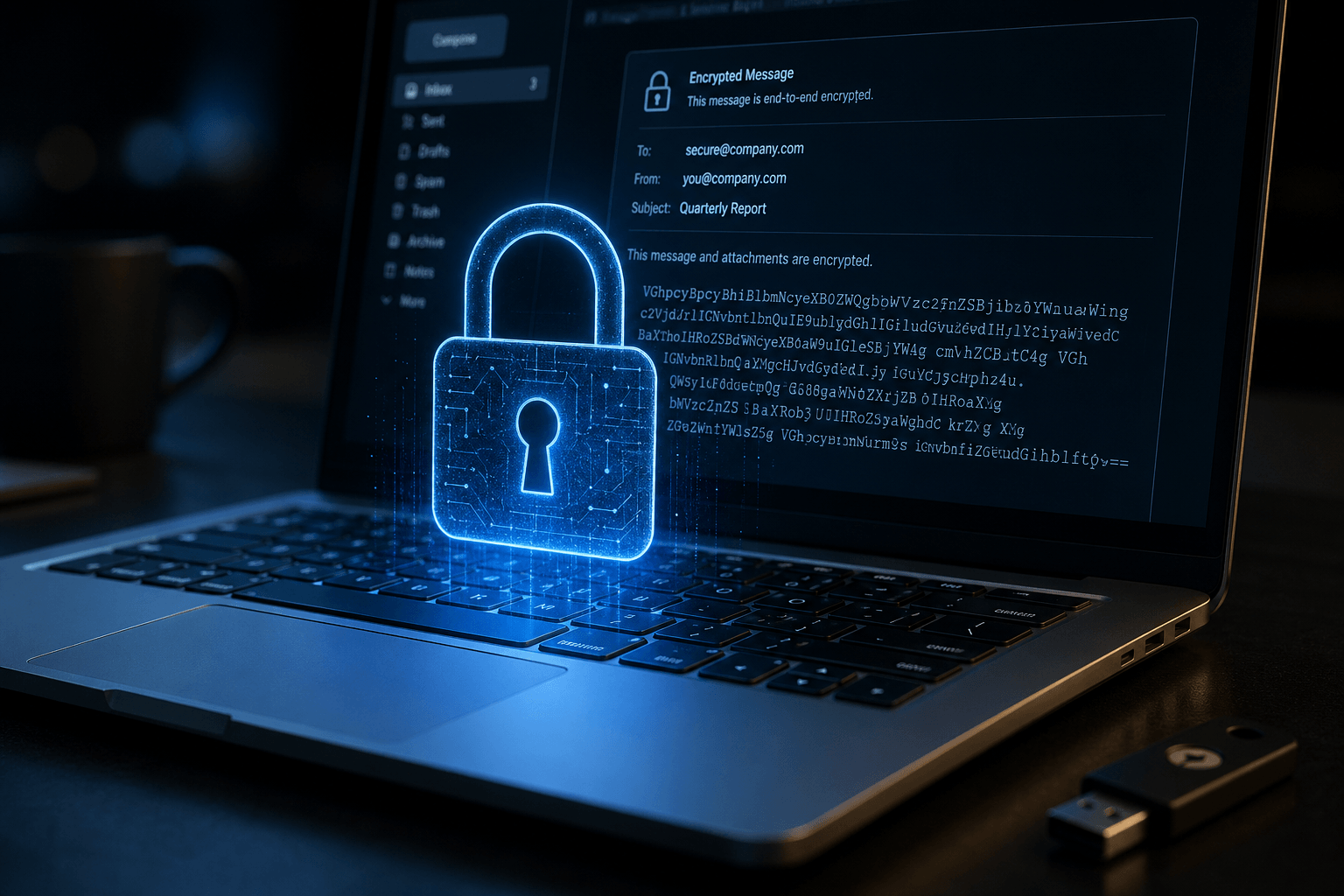
What email encryption actually means
Encryption is the process of converting readable data into an unreadable format that can only be decoded with the correct key. In the context of email, there are two distinct stages where encryption applies:
In-transit encryption protects your email while it's traveling between servers. When you send a message, it passes through multiple servers before reaching the recipient. In-transit encryption (typically TLS — Transport Layer Security) ensures that anyone intercepting the data during this journey sees only garbled, unreadable content. Most major email providers — Gmail, Outlook, Yahoo — use TLS by default. This is the baseline.
At-rest encryption protects your email while it's stored on servers. This is where things get more interesting — and where most providers fall short. Your emails sit on servers for months or years. If those servers are breached, at-rest encryption ensures the stolen data is useless without the decryption key. Without it, a breach means your emails — all of them — are readable by whoever got in.
What AES-256 is and why it matters
AES stands for Advanced Encryption Standard. The "256" refers to the key length — 256 bits. It's one of the strongest encryption algorithms in existence, used by governments, militaries, and financial institutions worldwide to protect classified information.
To understand how strong AES-256 is: a brute-force attack attempting every possible key would need to try 2^256 combinations. That's a number with 77 digits. Even with every computer on Earth working together, it would take longer than the age of the universe to crack a single AES-256 key.
AES-256 is also considered quantum-resistant. While quantum computers threaten to break many current encryption standards (particularly RSA and ECC), AES-256's symmetric key structure is expected to remain secure even against quantum attacks. This matters because emails stored today could be vulnerable to quantum decryption in the future — a threat known as "harvest now, decrypt later." AES-256 protects against this.
How most email clients handle encryption
Gmail: Uses TLS for in-transit encryption. At-rest, Google encrypts stored data, but Google itself holds the keys — meaning Google can (and does) access your email content for advertising, a few features, and compliance. Your emails are encrypted against external attackers, but transparent to Google.
Outlook: Similar model. Microsoft encrypts data at rest and in transit, but retains access for Copilot, Microsoft Graph, and enterprise compliance features. Your data is protected from outsiders but not from Microsoft's own systems.
ProtonMail: Offers end-to-end encryption, meaning even ProtonMail cannot read your emails. However, this only works when both sender and recipient use ProtonMail. Emails to Gmail or Outlook users fall back to standard TLS. The encryption is strong but limited in scope.
Most other clients (Superhuman, Spark, HEY): Rely on the underlying provider's encryption. If you use Superhuman with Gmail, your encryption is Gmail's encryption. The client adds no additional protection layer.
How Faraday handles encryption
Faraday implements encryption at another layer:
In-transit: All data moving between your browser and Faraday's servers, and between Faraday and email providers, is encrypted using TLS — the industry standard for data in motion.
At-rest: All data stored on Faraday's servers is protected by double encryption. First, our core database provider, MongoDB Atlas, uses built-in, field-transparent encryption at rest for all data with AES-256, managed by the Atlas platform. This means every database file and backup is automatically encrypted on disk using advanced, FIPS 140-2 certified encryption. On top of that, all sensitive email data is additionally encrypted by Faraday using AES-256 before it is stored. So even if an attacker gained access to the hardware or backup, the data would require both the MongoDB Atlas disk encryption keys and Faraday’s own application encryption keys to decrypt and read your emails. Simply impossible.
Anonymization: Sensitive data is additionally anonymized before encryption, adding another layer of protection. Even with the encryption key, the data is stripped of directly identifying information.
Zero human access: No employee at Faraday ever processes, reads, or views your email content. Processing is entirely automated. There is no "content moderation team," no manual review queue, no human in the loop.
No AI training: Your email data is never used to train AI models. The AI that powers Faraday's intelligence is developed separately. Your data exists to serve your inbox — nothing else.
Why this matters for you
You don't need to be a security expert to care about email encryption. You just need to recognize what your inbox contains and ask whether it's adequately protected.
If your email client's business model involves advertising (Gmail), ecosystem data sharing (Outlook), or relies entirely on a third-party provider's encryption (Superhuman, Spark), your data is protected from hackers but accessible to the companies handling it.
Faraday is built on a different principle: your data is yours. Protected by AES-256, anonymized, never human-processed, never used for training, never sold. ESOF-certified and Google-verified.
Email encryption shouldn't be a luxury or an afterthought. It should be the foundation. At Faraday, it is.
