You sent an important email. The recipient never replied. You assumed they were busy, or uninterested, or rude. But there's another possibility you probably didn't consider: they never saw it. Your email went straight to their spam folder — or worse, was silently rejected by their email server before it ever reached any folder at all.
Email deliverability — the ability of your emails to actually reach the recipient's inbox — is a problem most people don't think about until it costs them a deal, a job, or a relationship. An estimated 15-20% of legitimate emails never reach the intended inbox. Understanding why helps you fix it.
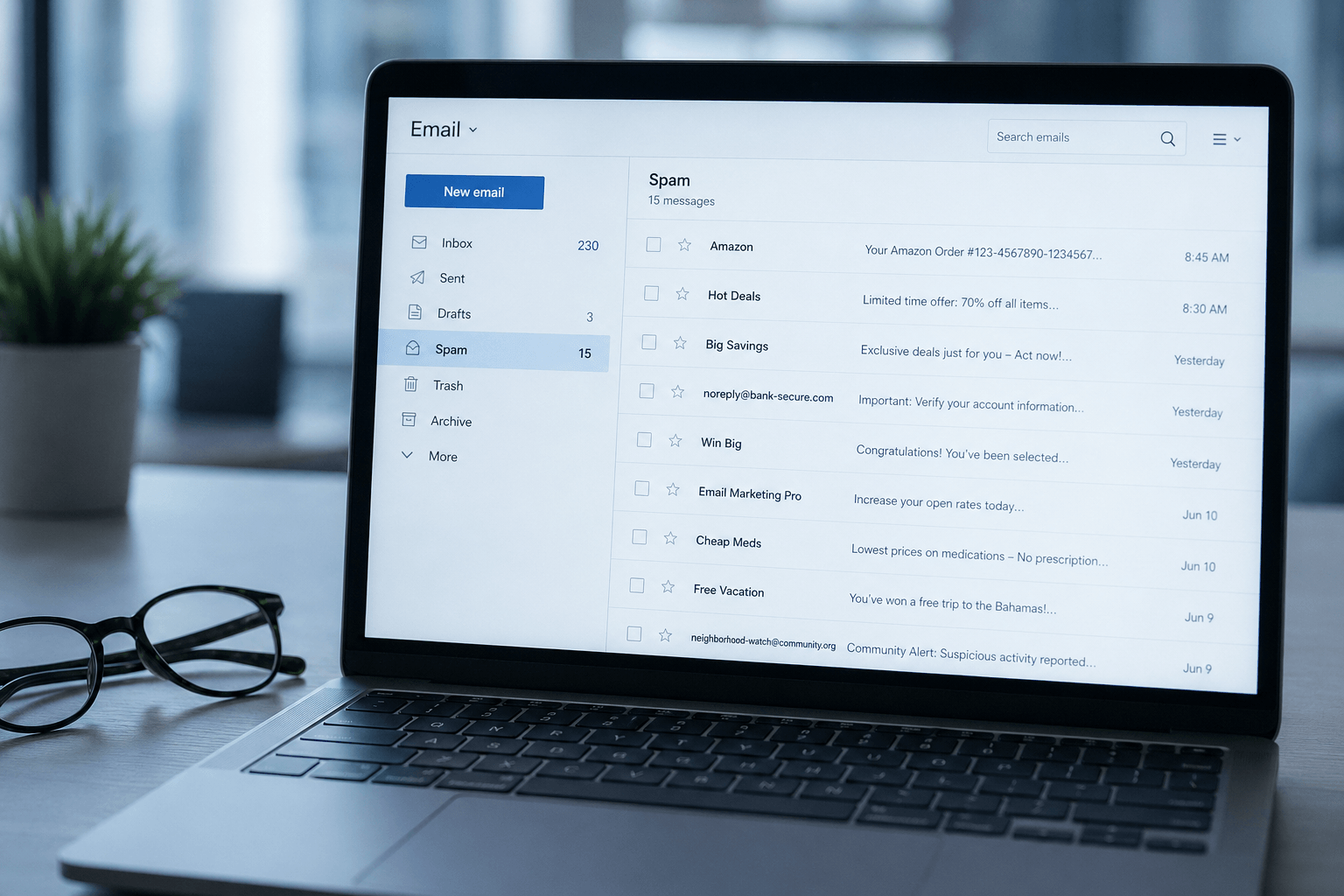
How email delivery actually works
When you hit "send," your email doesn't travel directly to the recipient. It passes through multiple layers of verification and filtering:
Your email server sends the message to the recipient's email server. The recipient's server then checks: Is this sender who they claim to be? Is this email authentic? Does this sender have a good reputation? Does the content look legitimate?
If the email passes these checks, it reaches the inbox (or a folder like Promotions/Social). If it fails, it's either routed to spam, quarantined, or silently dropped. The sender typically receives no notification of failure — they assume the email was delivered and wonder why there's no response.
The three authentication protocols
Modern email authentication relies on three protocols that work together. If your domain doesn't have all three properly configured, your emails are significantly more likely to be flagged as spam.
SPF (Sender Policy Framework) is a DNS record that lists which servers are authorized to send email from your domain. When a recipient's server receives an email claiming to be from you@yourdomain.com, it checks the SPF record to verify that the sending server is actually authorized. If it's not on the list, the email is flagged.
DKIM (DomainKeys Identified Mail) adds a digital signature to every email you send. The recipient's server verifies this signature against a public key published in your DNS records. This proves the email wasn't altered in transit and genuinely came from your domain. Think of it as a tamper-proof seal.
DMARC (Domain-based Message Authentication, Reporting & Conformance) ties SPF and DKIM together with a policy. It tells receiving servers what to do if an email fails SPF or DKIM checks: none (do nothing — monitor only), quarantine (send to spam), or reject (block entirely). DMARC also provides reporting, so you can see who's sending email using your domain — including unauthorized senders.
As of 2024, Gmail and Yahoo require SPF, DKIM, and DMARC for bulk senders. Without all three, your emails to Gmail and Yahoo users (which represent the majority of email addresses) are increasingly likely to be rejected or spam-filtered.
Sender reputation: your invisible score
Even with perfect authentication, your emails can still land in spam if your sender reputation is poor. Every email domain and IP address has a reputation score maintained by email providers, based on:
Bounce rate. If you're sending to invalid addresses frequently, it signals poor list hygiene — a hallmark of spammers.
Spam complaints. When recipients mark your email as spam, it directly damages your sender reputation. Even a complaint rate above 0.1% (1 in 1,000) can trigger filtering.
Engagement metrics. Gmail and other providers track whether recipients open, read, click, and reply to your emails. High engagement improves reputation. Low engagement signals that recipients don't want your messages — even if they haven't explicitly complained.
Sending volume patterns. A sudden spike in email volume from a domain that normally sends 50 emails a day looks suspicious. If you're scaling outreach, warm up your sending volume gradually — increase by 20-30% per week, not 10x overnight.
Content that triggers spam filters
Even with authentication and reputation intact, the content of your email can trigger spam filters:
Spam trigger words. "Free," "urgent," "act now," "limited time," "congratulations," and "guaranteed" in subject lines significantly increase spam filtering probability. This is less about individual words and more about patterns that match known spam templates.
Excessive links and images. Emails with high image-to-text ratios or numerous links (especially to unfamiliar domains) are flagged. Plain text with minimal links performs best for deliverability.
Missing unsubscribe link. For any email sent to multiple recipients, the absence of an unsubscribe mechanism is a red flag to spam filters (and a legal violation under CAN-SPAM and GDPR).
Poor HTML formatting. Broken HTML, missing alt tags on images, and inconsistent encoding signal low-quality or automated sending — both associated with spam.
How to check and fix your deliverability
Check your authentication. Use tools like MXToolbox or Google's Check MX to verify your SPF, DKIM, and DMARC records. If any are missing or misconfigured, fixing them is the single highest-impact improvement you can make.
Monitor your sender reputation. Google Postmaster Tools (free) shows your domain's reputation with Gmail, spam complaint rates, and authentication success rates. Check it regularly.
Send a test. Before sending important emails to new contacts, send test emails to your own accounts on Gmail, Outlook, and Yahoo. Check whether they land in the inbox or spam. Services like Mail Tester score your email on deliverability factors and tell you exactly what to fix.
Clean your contact list. Remove invalid addresses, long-inactive recipients, and role-based addresses (info@, admin@) that tend to have low engagement. A smaller, engaged list delivers better than a large, unresponsive one.
The receiving side matters too
Deliverability is about your outgoing email reaching its destination. But there's a flip side: legitimate emails sent to you can also get lost — buried in spam folders, miscategorized, or drowned in inbox noise.
Most email clients rely on basic spam filters that occasionally misclassify real messages. An important reply from a new contact, a time-sensitive request from an unfamiliar domain, or a legitimate email that happens to contain a link — any of these can end up in spam or buried under newsletters.
Faraday's intelligent classification goes beyond binary spam filtering. Every incoming email is analyzed for type, context, and relevance — ensuring that genuine messages from real people are always surfaced prominently, even if they're from new contacts or unfamiliar domains. The noise is organized separately. Nothing important gets lost.
Master deliverability for your outgoing email. And make sure your inbox is smart enough to catch everything important coming in.
