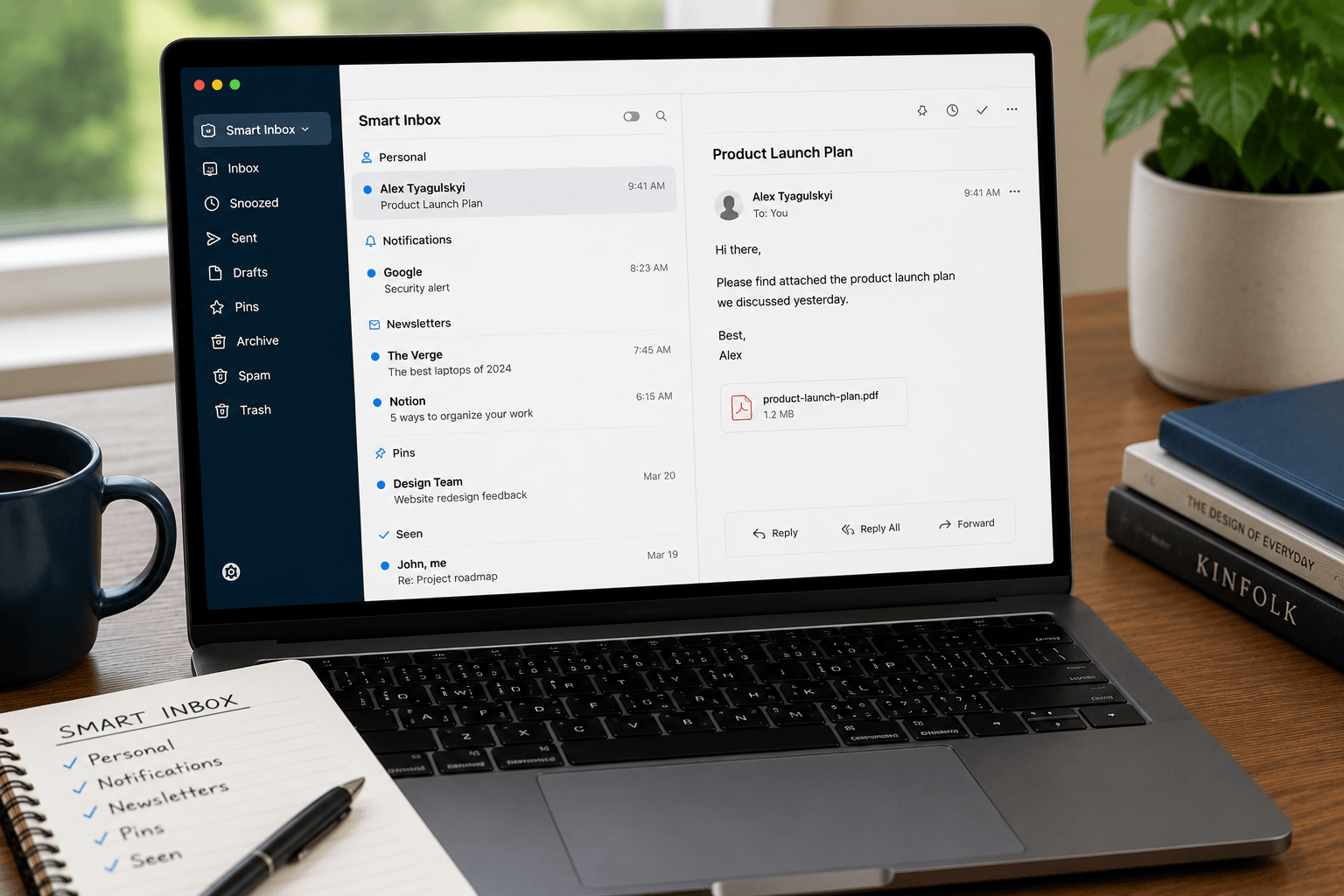
 Spark Mail has a lot going for it: a clean design, Smart Inbox sorting, snooze, and decent team features. But people leave Spark — or start looking — for a handful of recurring reasons: the AI requires constant prompting, the free tier is limited, privacy concerns around Readdle's cloud processing, the iOS-first roots showing on other platforms, and pricing that adds up quickly for teams.
Whatever your reason for looking, here are the best Spark alternatives in 2026, evaluated honestly.
1. Faraday — best for automatic intelligence
Faraday is the most architecturally different alternative on this list. Where Spark adds AI features on top of a conventional inbox, Faraday rebuilds the inbox itself around intelligence.
The result: your inbox organizes itself automatically — no prompts, no manual rules, no training. Every email is classified, contextually enriched, and surfaced at the right level of attention the moment it arrives. A booking confirmation, a newsletter, and a client email — even from the same sender — are understood as different types of communication and treated accordingly.
Unlike Spark, Faraday supports both Gmail and Outlook natively — critical for professionals who operate across both. It also supports full Gmail operator search alongside contextual retrieval, AES-256 encryption, no AI training on your email content, and no human review of your inbox. Privacy is architectural, not policy-based.
Price: $14/month — meaningfully cheaper than Spark's paid plans.
Platforms: Gmail, Outlook (web + Mac desktop).
Best for: Professionals who want an inbox that organizes itself without constant management.
2. Gmail (native) — best free option
If your primary frustration with Spark is cost or complexity, going back to native Gmail is a legitimate choice. Gmail's built-in tabs (Primary, Social, Promotions) handle basic sorting. Filters and labels can replicate much of Spark's rule-based organization. The search is excellent.
What Gmail doesn't do: it doesn't understand email contextually, doesn't automatically prioritize, and the interface hasn't fundamentally changed in a decade. But it's free, it's fast, and it's deeply integrated with Google Workspace.
Price: Free (Google Workspace from $6/month).
Best for: Users who want no-cost, no-frills email without third-party processing.
3. Mimestream — best native Mac experience for Gmail
Mimestream is a Mac-native Gmail client that feels like Apple Mail but talks directly to Gmail's API rather than going through IMAP. The result is fast, fluid, and genuinely Mac-like — smooth animations, native notifications, keyboard shortcuts that feel right. It supports multiple Gmail accounts cleanly.
The limitation: it's Gmail-only, Mac-only, and there's no AI-powered organization. It's a much better interface for Gmail, not a smarter inbox.
Price: $4.99/month or $49.99/year.
Best for: Mac users who love the macOS feel and use Gmail exclusively.
4. Superhuman — best for raw speed
Superhuman is built for people who process a lot of email and want to do it as fast as possible. Keyboard-first workflow, instant search, split-second load times. For sales teams and power users who measure their inbox in hundreds of emails per day, the speed is real.
The tradeoffs: expensive at $30/month, the AI is primarily writing-assistance rather than organizational intelligence, and you're still manually triaging. It's a faster way to do the same inbox work, not a fundamentally different approach.
Price: $30/month.
Best for: High-volume email users who prioritize speed above everything else.
5. Shortwave — best for Gmail teams
Shortwave has the strongest team collaboration features of any alternative here: shared inbox threads, internal comments, email assignment, read receipts. If your team shares an inbox — a support queue, a shared sales account — Shortwave is purpose-built for that. It also uses Claude models for its AI assistant, so drafting and summarization quality is strong.
The limitations: Gmail-only (no Outlook), the AI is entirely prompt-driven rather than automatic, and pricing starts at $24/month per user with daily AI request caps. For solo users, the value equation is harder.
Price: $24–100/month per user.
Best for: Gmail-only teams that need shared inbox collaboration.
6. Apple Mail — best free Mac option
If you're on a Mac and want to stay free, Apple Mail handles Gmail and Outlook accounts through IMAP/Exchange reasonably well. The Focus Filters in macOS allow basic priority sorting. It's stable, private (no third-party cloud processing), and integrated with the rest of macOS.
It's not intelligent and it's not going to organize your inbox — but it's free, reliable, and private.
Price: Free (included with macOS).
Best for: Mac users who want a free, private, no-fuss email experience.
Which alternative is actually best?
If you're leaving Spark because you want email to be genuinely less work — not just better-organized on the surface, but actually requiring less attention from you — Faraday is the answer. It's the only alternative where intelligence is built into the inbox itself rather than added on top.
If you're leaving Spark for a Mac-native feel on Gmail, try Mimestream. If you need shared team inbox features, Shortwave. If raw processing speed matters most, Superhuman — though at twice the cost of Faraday.
For most individuals and small teams who simply want a smarter, quieter inbox at a fair price, Faraday at $14/month is the clearest upgrade from Spark.
